16-bit PNG for LightBurn and xTool
3D Laser Engraving from a Photo
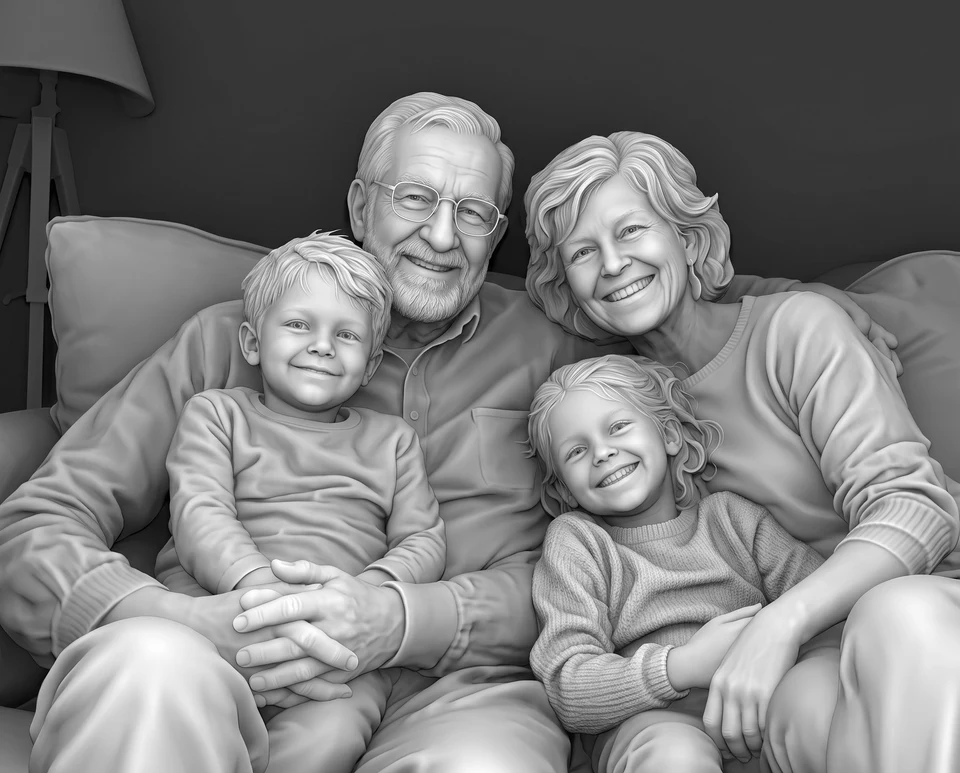
A 16-bit depth map of your photo, sized for the piece and set up the way LightBurn’s 3D Sliced mode cuts it: white on top, black deepest. Coins and medallions with a rim and lettering, or any shape. AI carves the relief; your first one is free.
Your first relief freeNo credit cardSee finished pieces
Files ready forLightBurn · xTool · VCarve · Aspire · Bambu Studio · PrusaSlicer
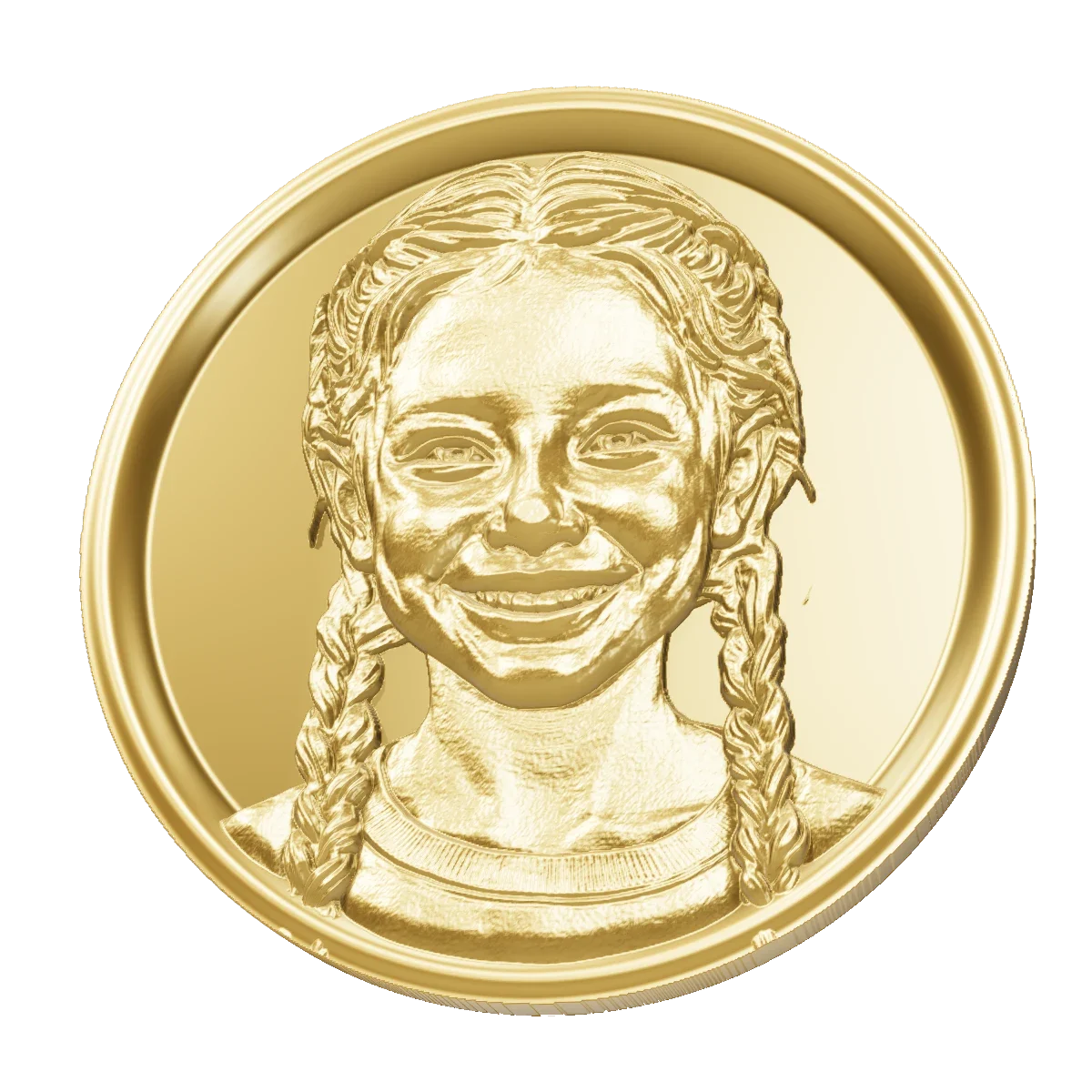

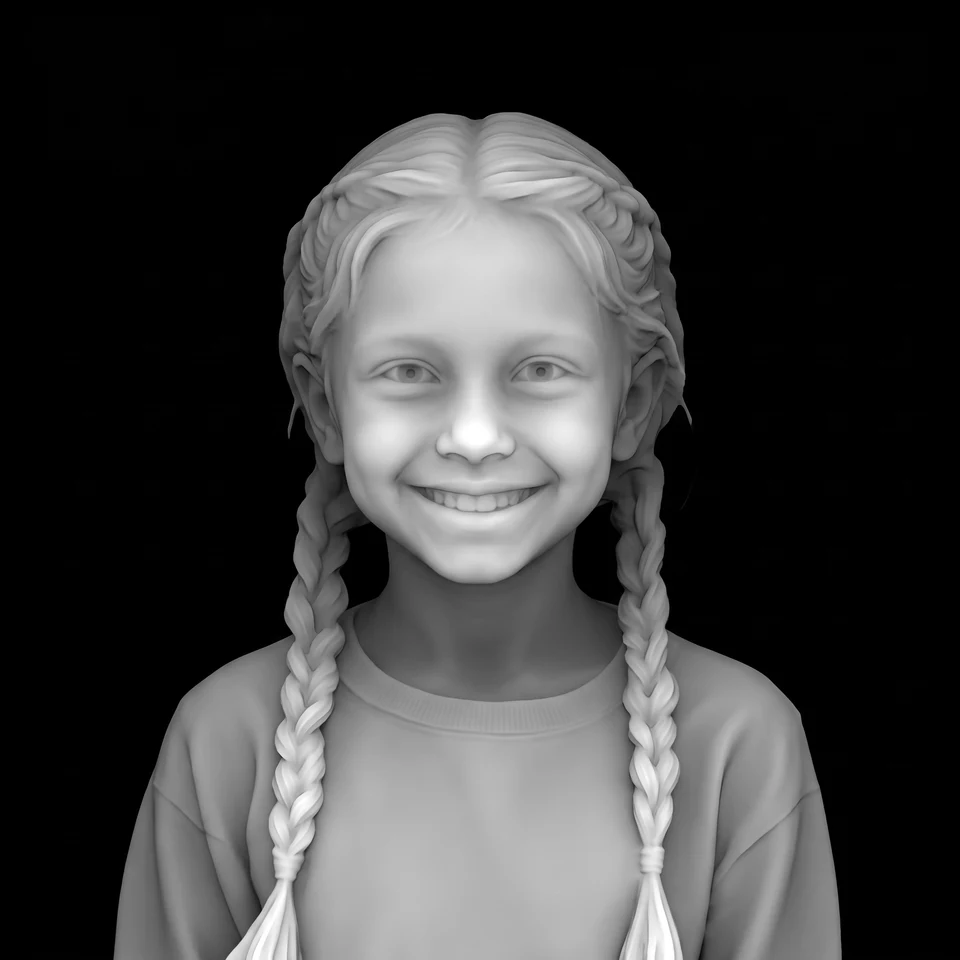
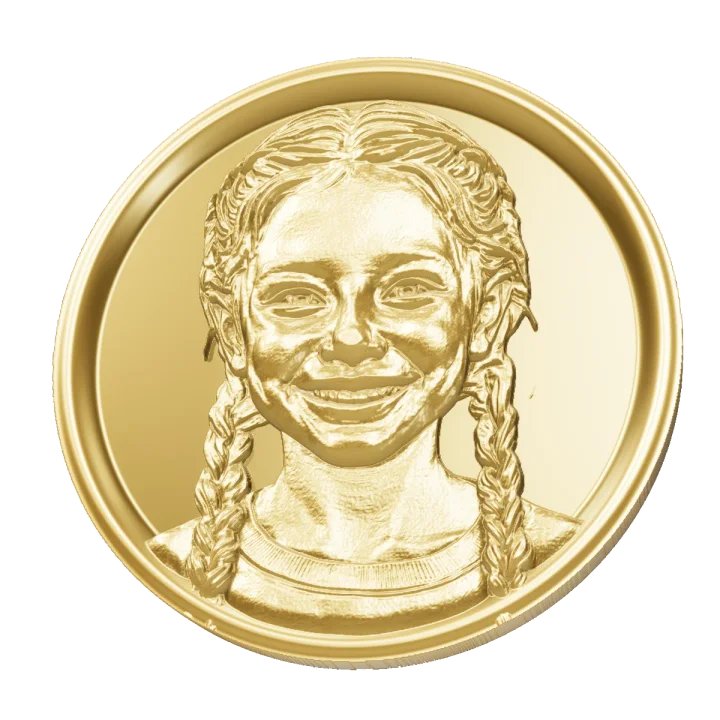
Brass medallion · 40 mm · fiber laserRendered preview
From the photos you already have
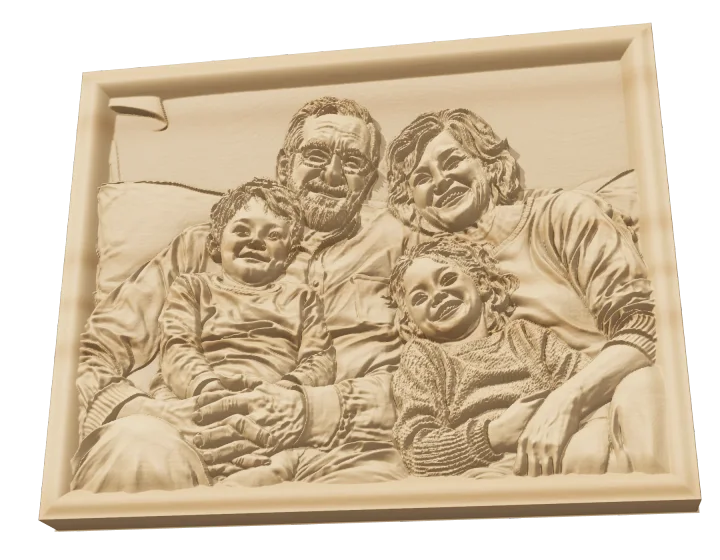
Grandkids, pets, weddings and graduations. Each one shows the photo, the depth map you download, and a rendered preview of the piece.

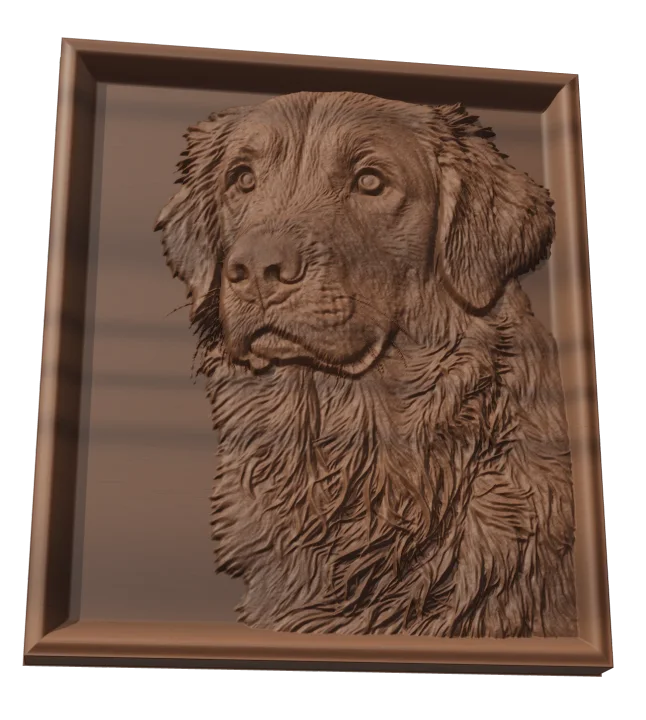
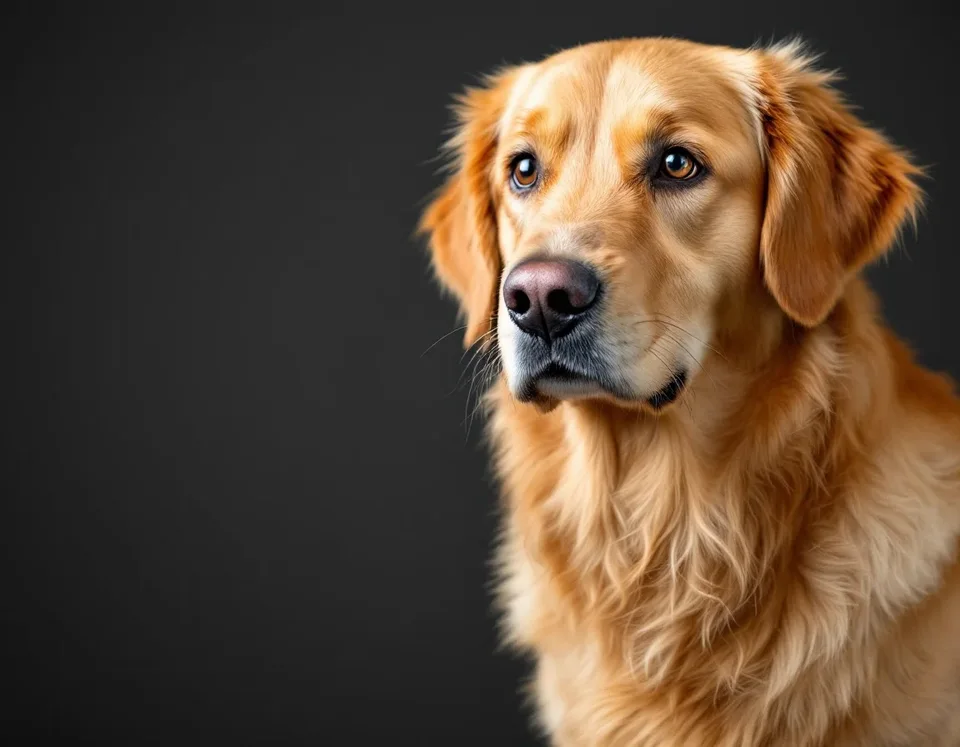
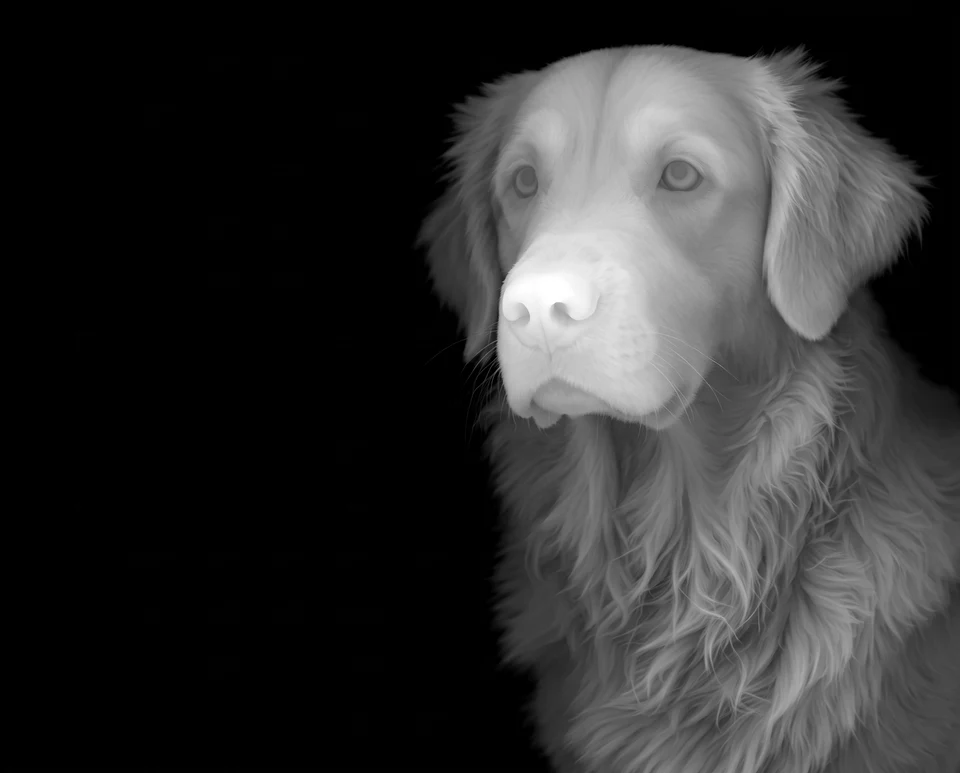
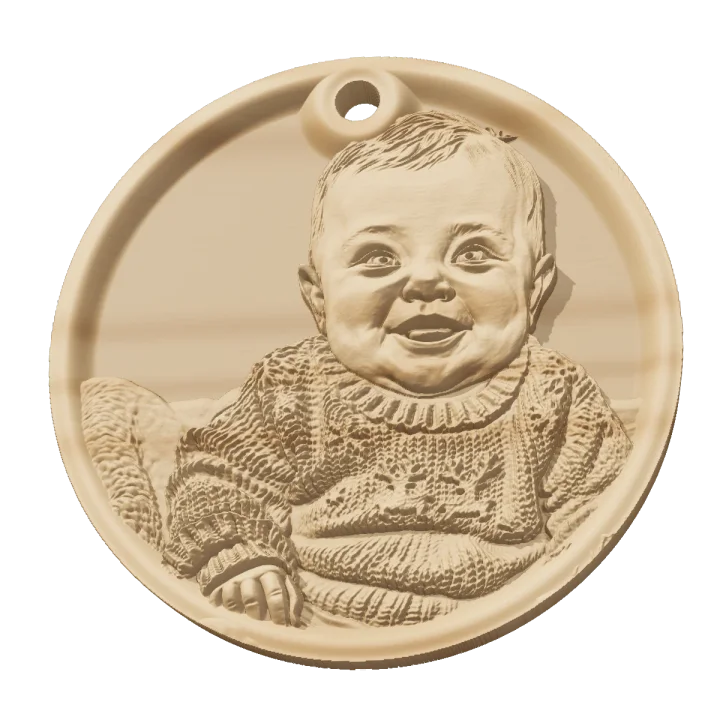

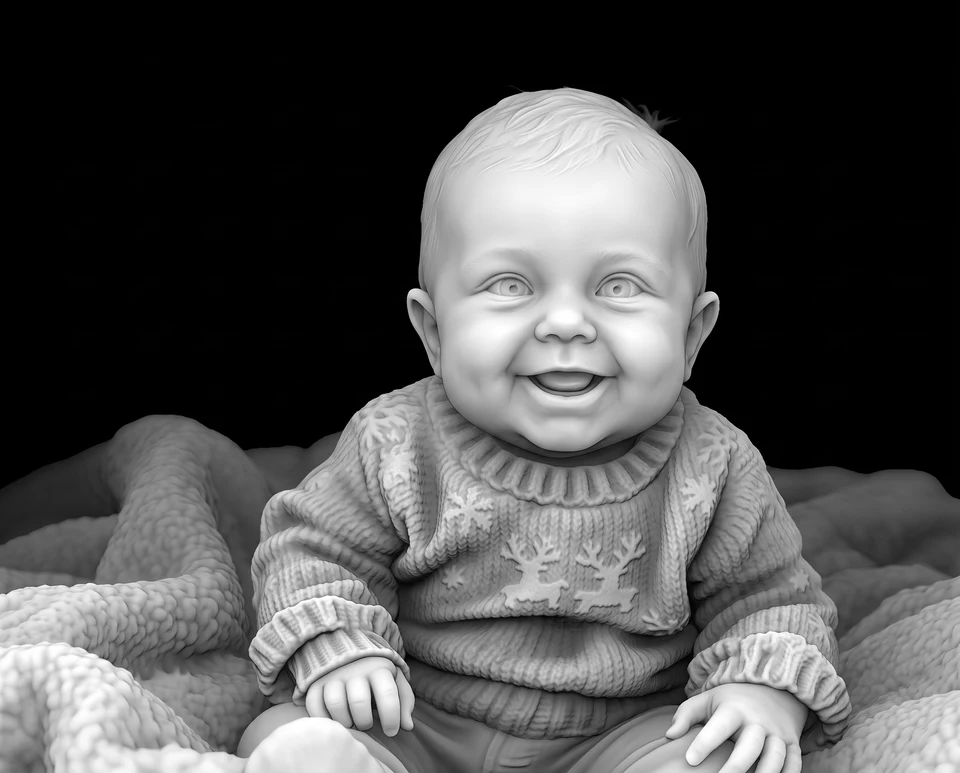
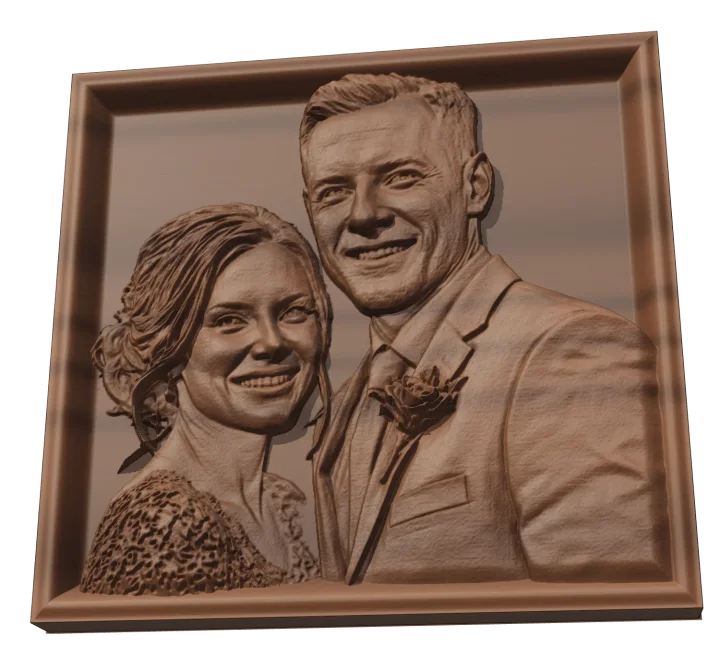

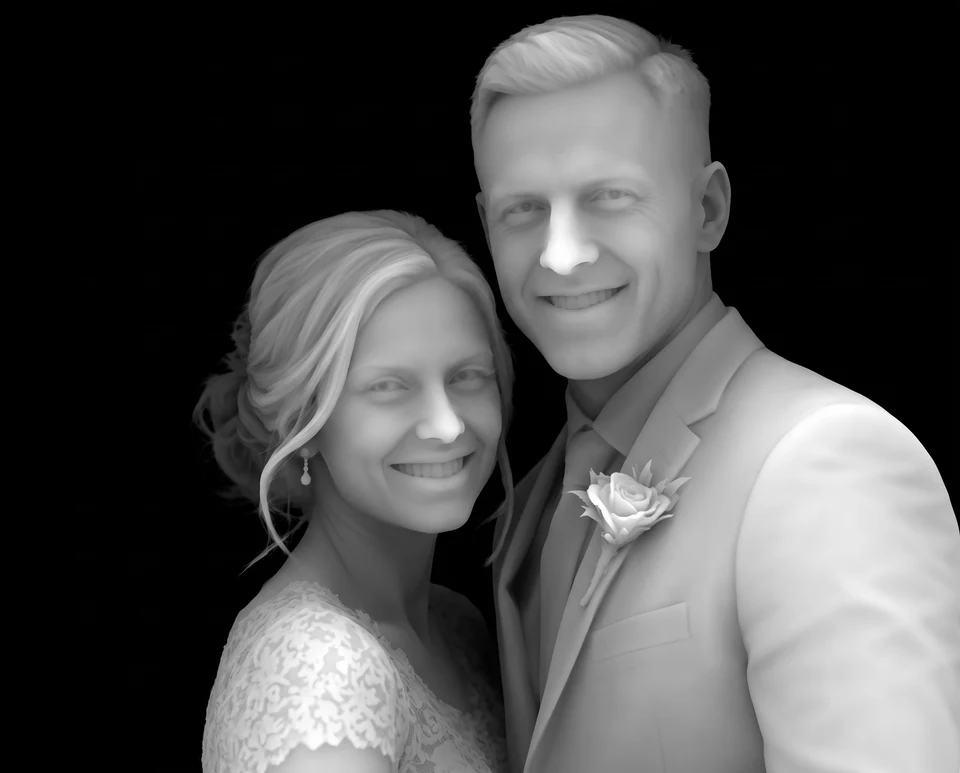
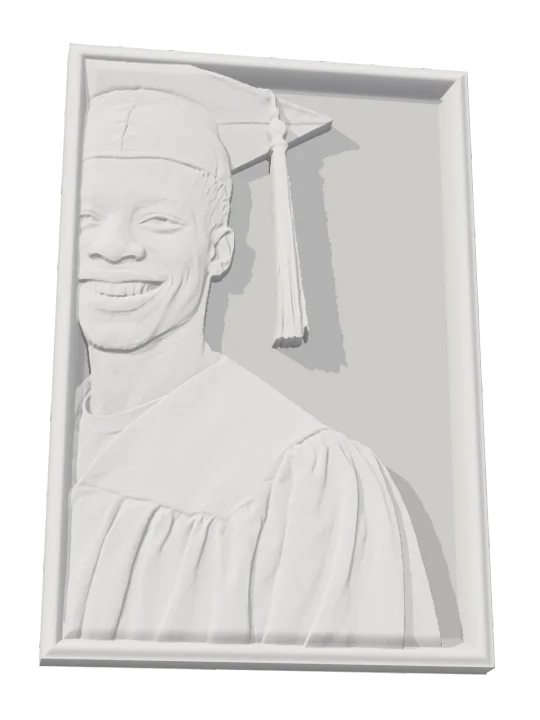

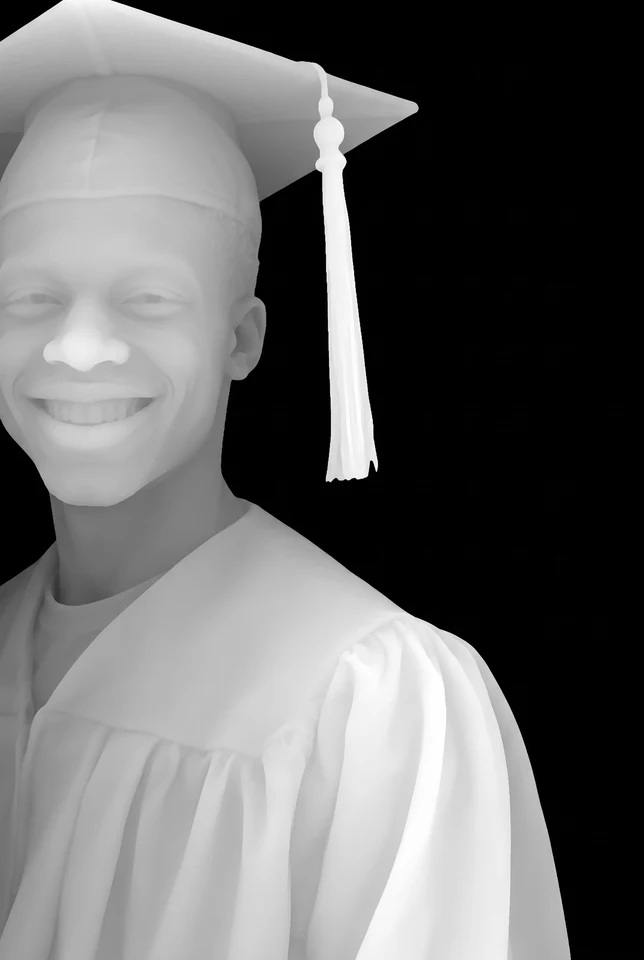
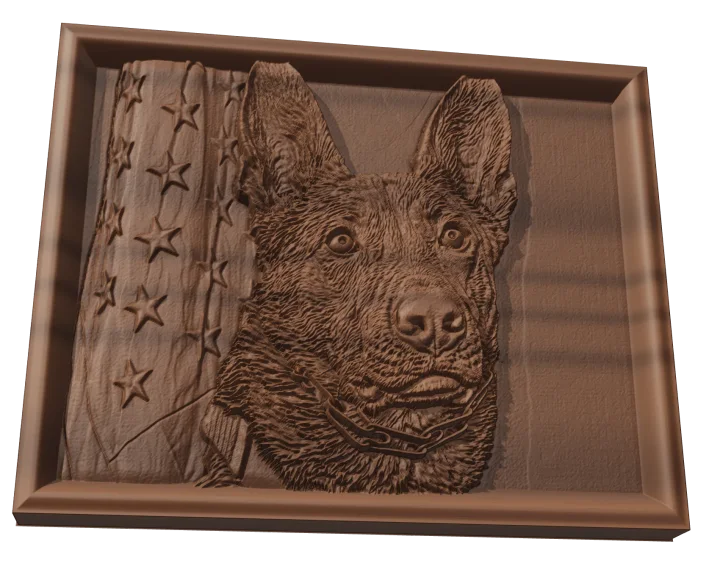
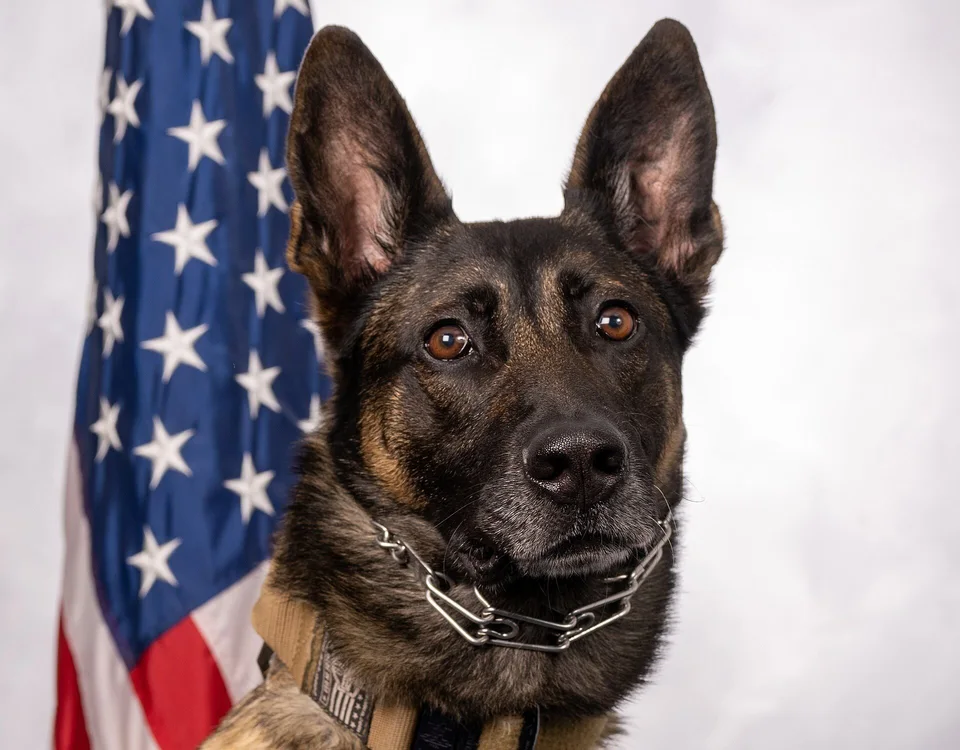
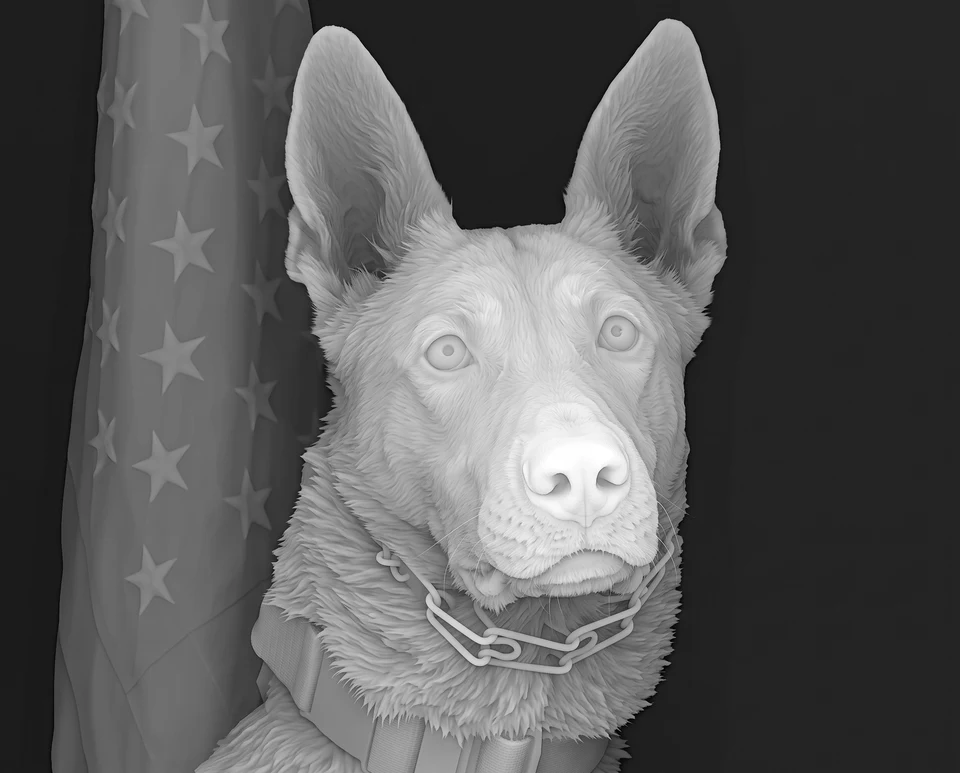
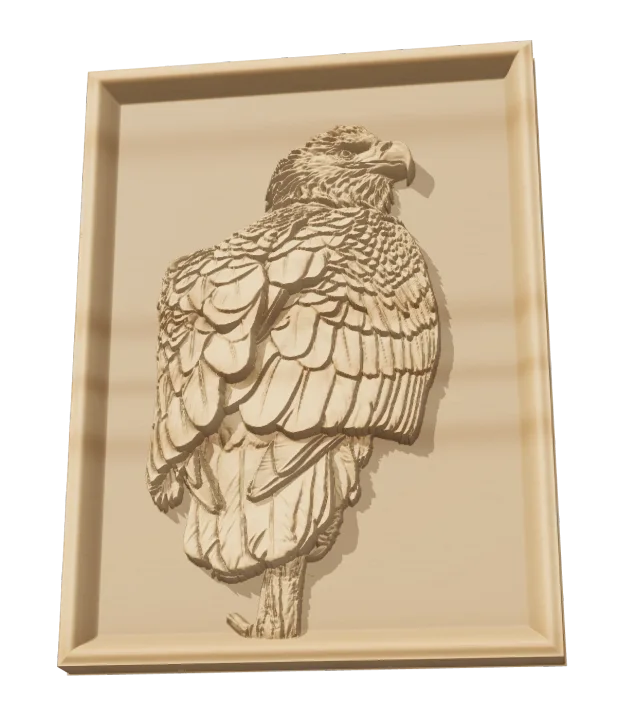
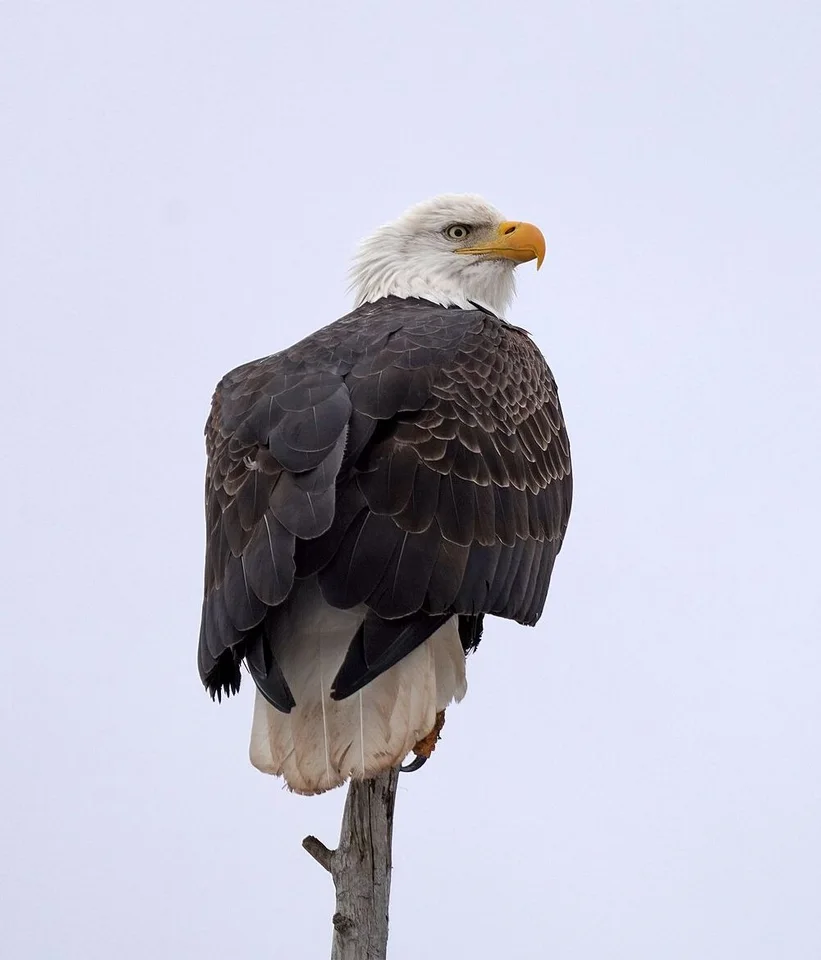
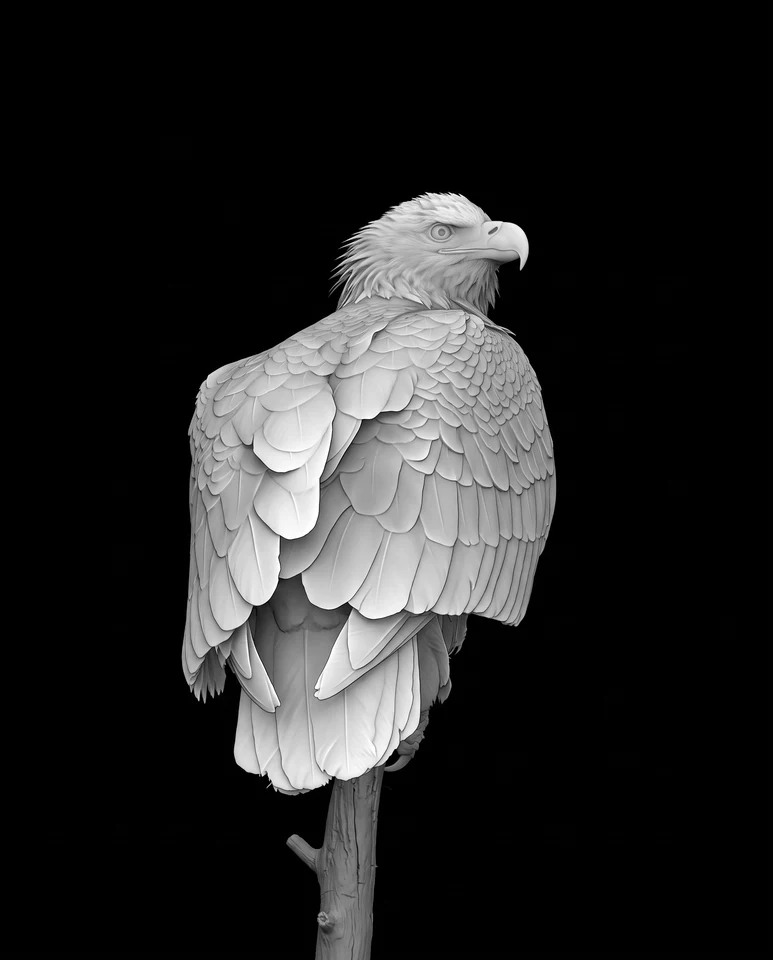
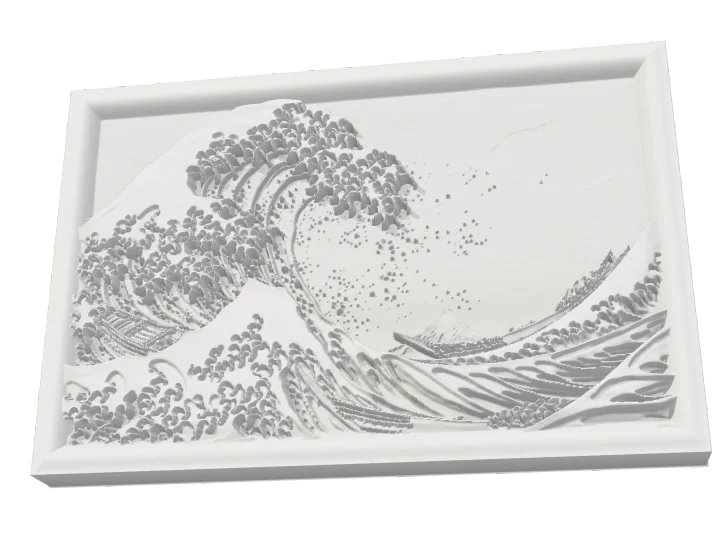
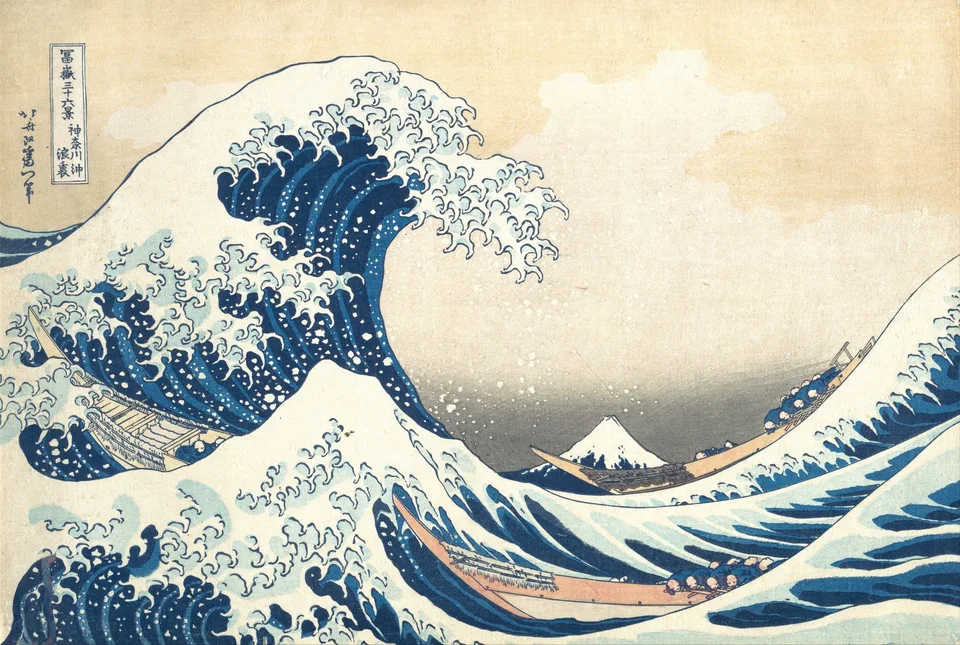
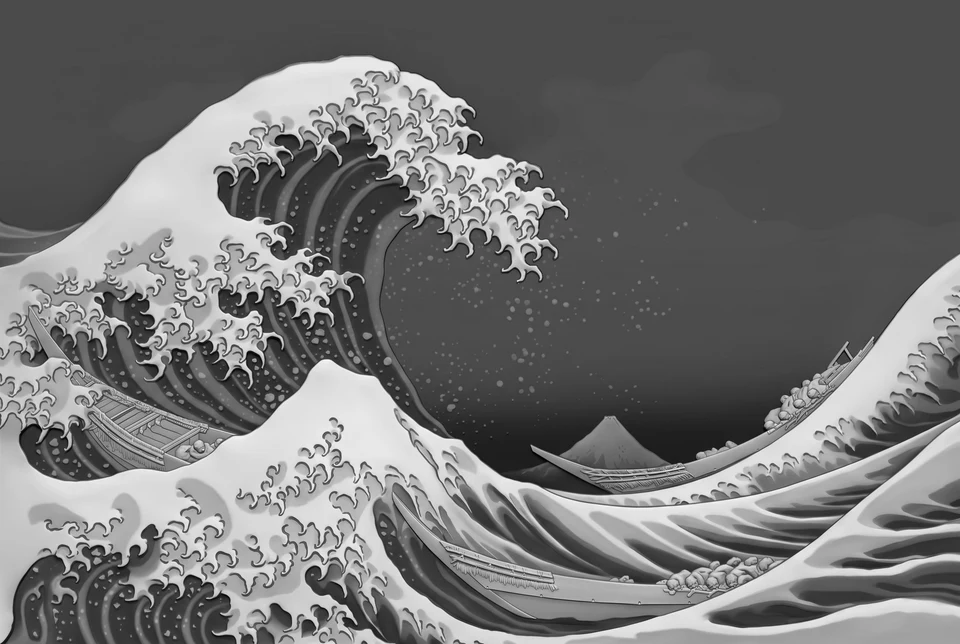
What will you make?
Pick an object and the studio sets its shape, size, thickness, edge and lettering for you. Your photo stays; switch any time.
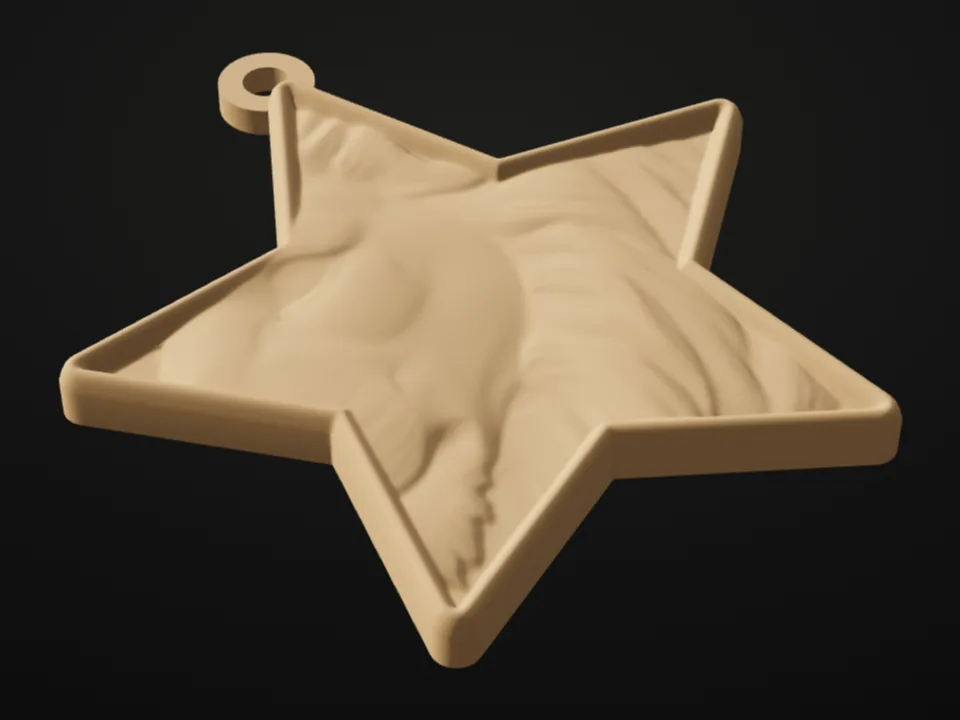 OrnamentA keepsake for the tree: round, a star, a tree, a heart or cut to the shape of your pet, with a name and year on the back.3D printing or laser · PLA, wood, acrylicMake an ornament
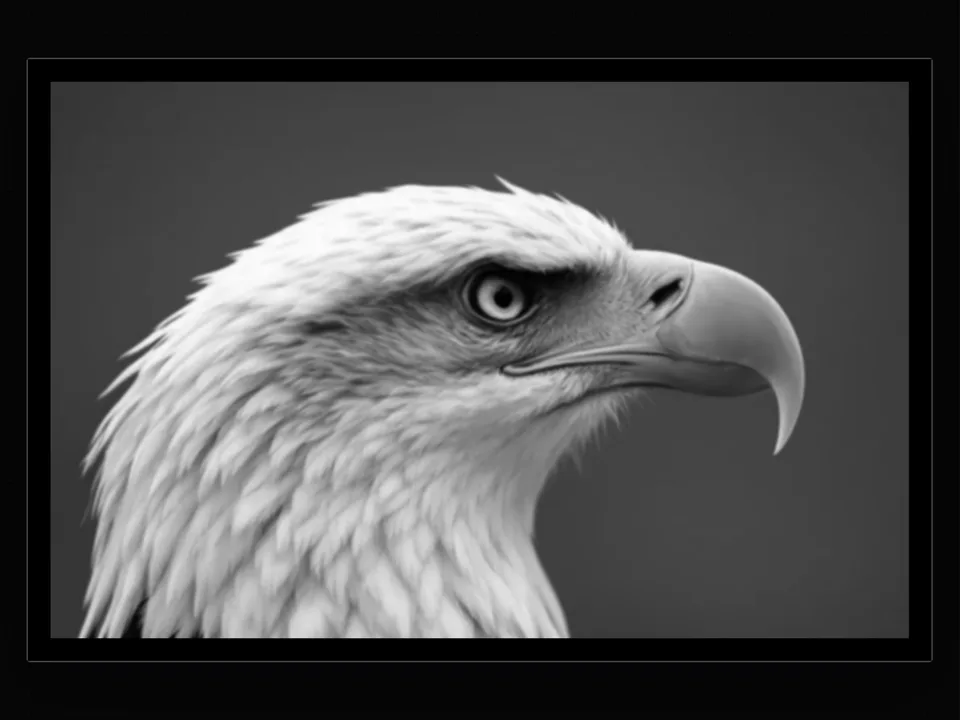 LithophaneA thin panel that shows the photo when lit from behind: flat in a printed light box, curved or a heart.3D printing · white PLA, night lightsMake a lithophane
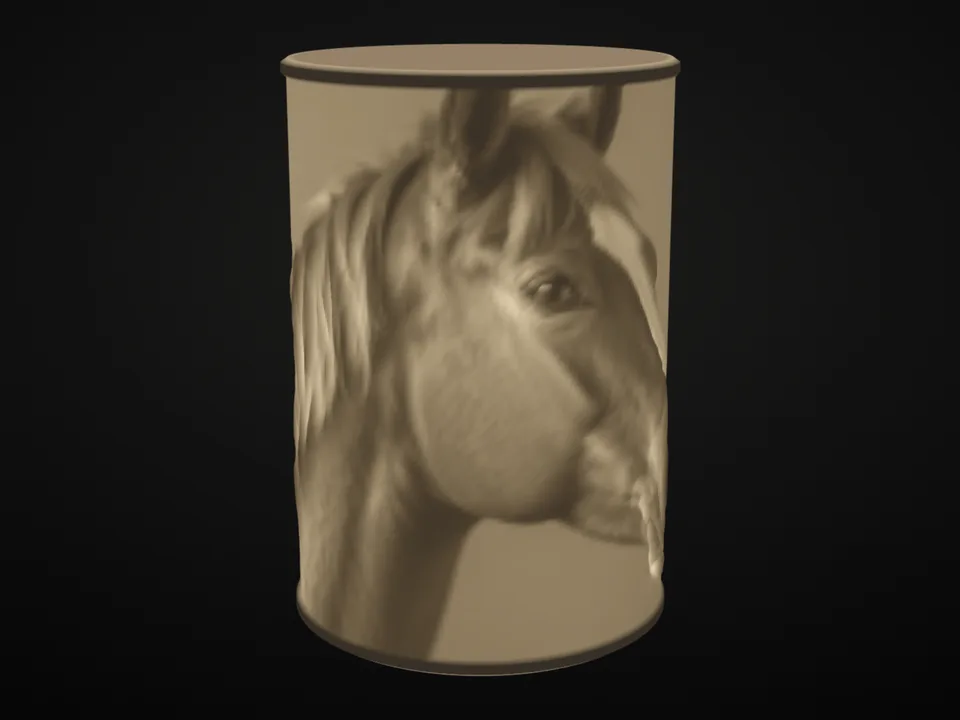 LampA lithophane shade rolled into a closed cylinder: it glows with your photo all the way round a tea light or an LED.3D printing · white PLA, tea light or LED puckMake a lamp
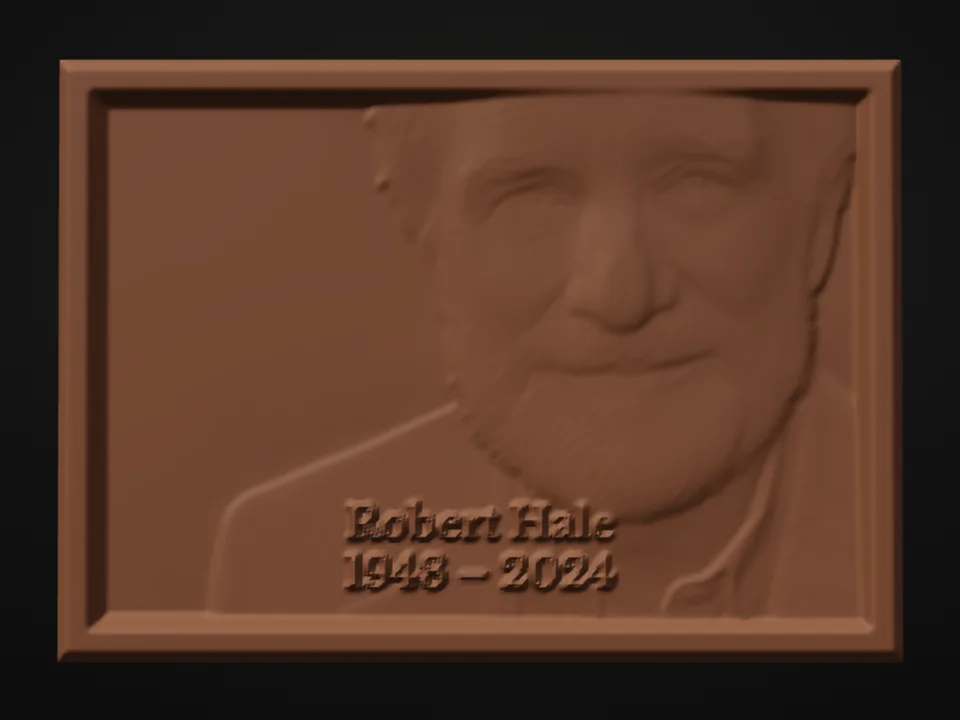 PlaqueA framed photo relief with a name or dates.CNC · wood, stone, resinMake a plaque
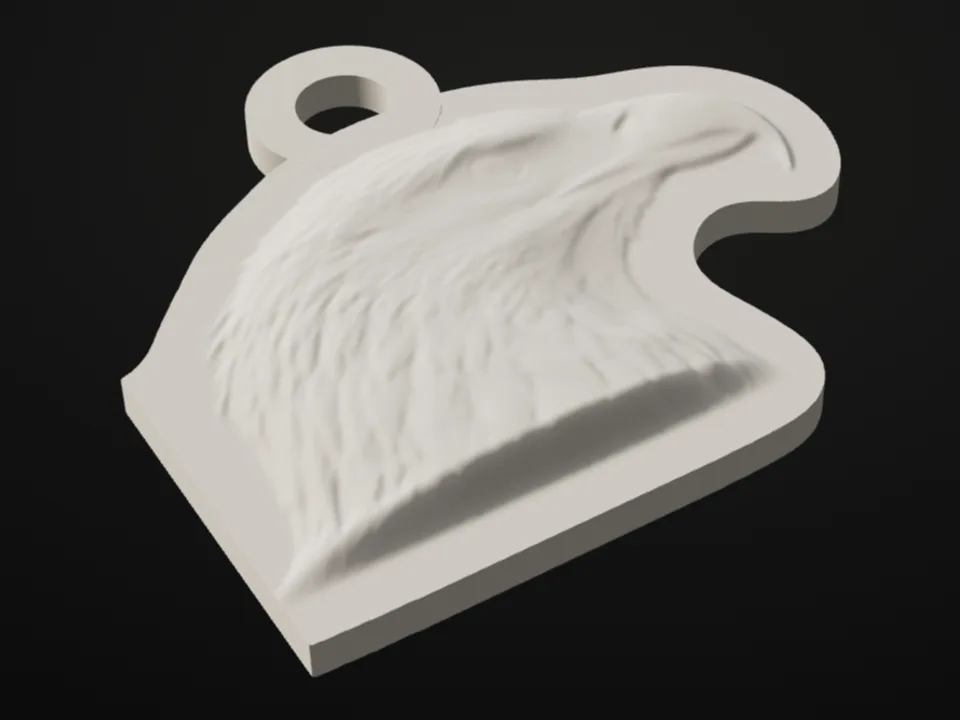 PendantA small keepsake or keychain: round, a heart, or cut to the shape of your pet.3D printing · keychains, necklaces, ornamentsMake a pendant
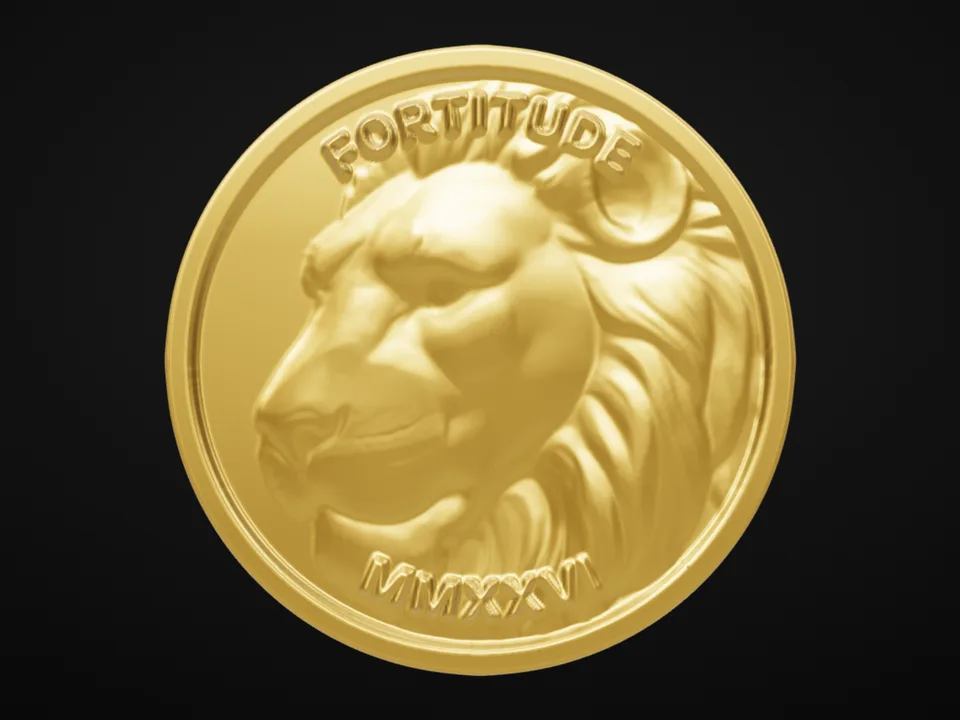 CoinRound, with a raised rim and lettering around the edge.Fiber laser · brass, steel, titaniumMake a coin
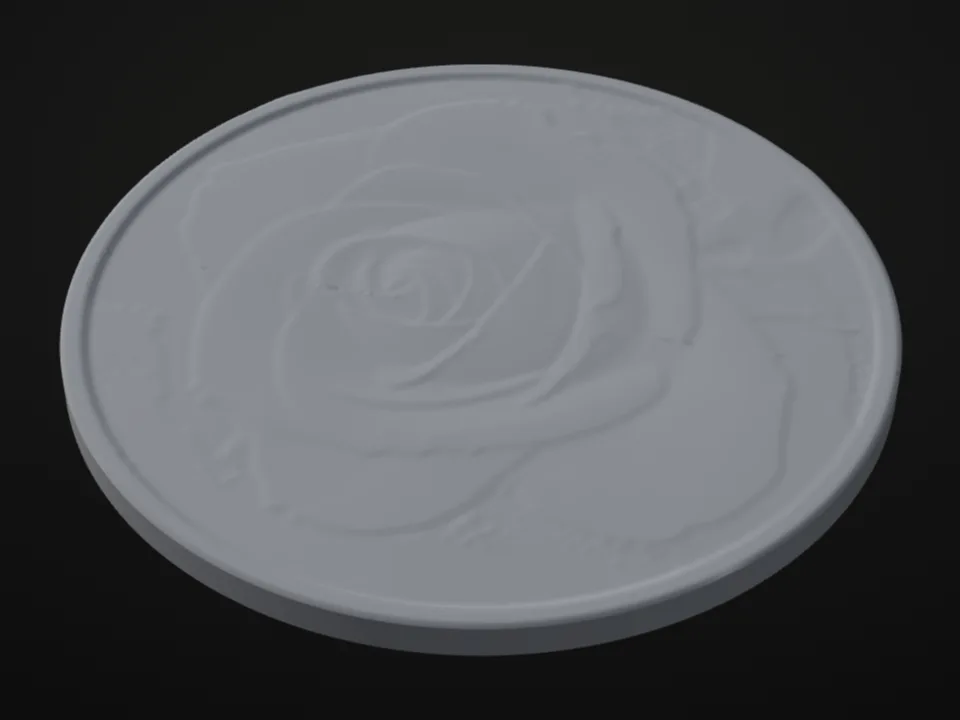 CoasterA drink coaster with a shallow relief and a flat rim, so a glass stands level: round or square, 4 inches.Laser · slate, wood, cork · 3D printingMake a coaster
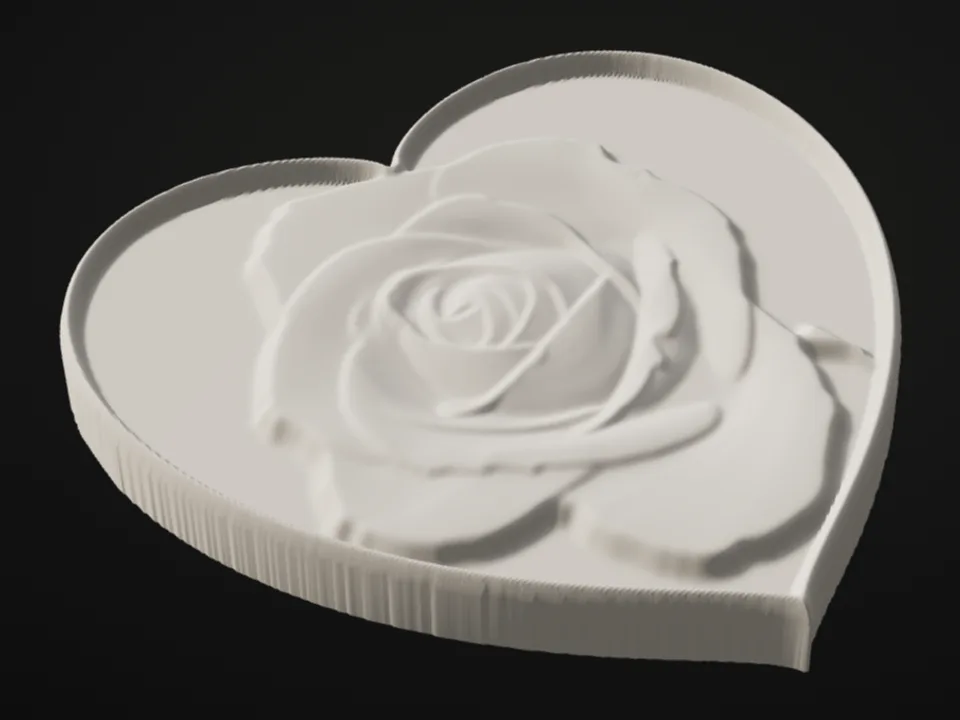 MagnetA fridge magnet with a pocket in the back for a disc magnet: round, a heart, or cut to the shape of your pet.3D printing · PLA, with a neodymium disc magnetMake a magnet
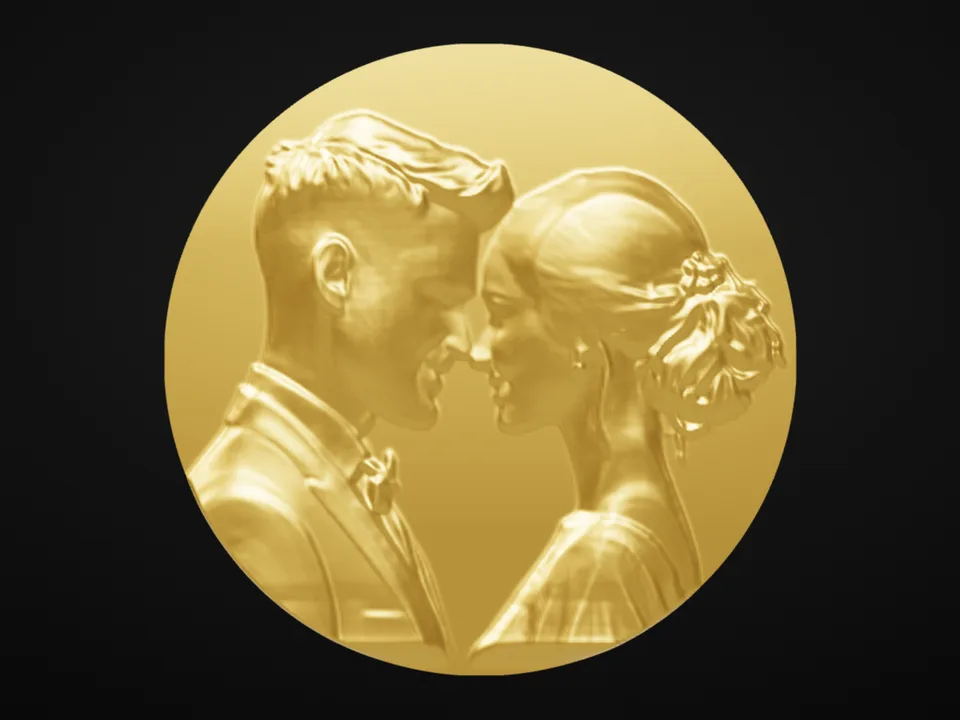 StampA mirrored relief that presses your photo into wax, clay, leather or cookie dough the right way round, with a printed handle.3D printing or CNC · wax seals, clay, leather, cookiesMake a stamp
From a photo to a 3D laser engraving
Open a photo
A face, a pet or an animal with one clear subject. The background is pressed flat, like the field of a coin, and the subject framed inside the rim.
Size it for the blank
A 32 to 50 mm coin with a raised rim and lettering around the edge, or any size and shape you type. Export shows how many of the 65,536 height steps the map really uses.
Export for your laser
Choose LightBurn or xTool in Export: a 16-bit PNG at the size shown, white highest and black deepest, the way LightBurn’s 3D Sliced mode cuts it.
3D Laser Engraving from a Photo FAQ
Which lasers can engrave in 3D?
LightBurn’s 3D Sliced mode runs on galvo lasers, such as fiber lasers: it cuts the depth map in layers, one pass per layer, and darker areas get more passes, so they cut deeper. xTool’s software (XCS, now xTool Studio) does the same as Laser Embossing, where dark also cuts deeper. On a diode or CO2 gantry laser, grayscale mode varies the power with the shade instead, which gives a shallower relief in wood or leather.
How many passes should I use?
Each pass cuts one layer, so more passes give finer steps; 256 passes gives one per gray level of an 8-bit image. Test on the same material first: depth per pass depends on the laser, the lens and the metal.
Why a 16-bit depth map?
An 8-bit image has 256 gray levels, which can show as terraces on smooth slopes when the map is scaled or cut in fine layers. The 16-bit PNG keeps up to 65,536 levels, and Export shows how many this map actually uses, so you can tell a real 16-bit map from an 8-bit one saved as 16-bit.
Which way round is the depth?
White is the top surface and black the deepest cut, which is what 3D Sliced expects. If a test piece comes out inverted, switch Raised areas in the Depth panel and export again.
What can a fiber laser engrave in 3D?
Metals such as brass, steel, titanium and aluminum; coins, medallions and dog tags are the classic pieces. The studio adds a raised rim and lettering, and a back side with an inscription.
Can I copy a real coin?
In the US a replica of a coin must carry the word COPY (15 U.S.C. 2101). An original design, such as a portrait medallion, is not a replica.
Is my photo uploaded?
Yes, to make the relief: AI relief, the HD depth map and Trace the subject are made in the cloud. The photo is used only for that and is not kept. The files you export are made in this browser tab.
More tools
Try a sample first, then open your own file. Converters and editors process your files on your device.
Depth map generator
Generate a grayscale depth map from a photo and preview it beside the original.
Depth map to STL
Turn a depth map you already have into a sized, closed mesh.
STL to depth map
Flatten a mesh into a 16-bit height map from the top, front or side.
Depth map editor
Levels, layer balance and a retouch brush for any grayscale image.
Photo to SVG
Trace a photo or logo into clean outlines for cutting and scoring.
Laser photo prep
Size, sharpen and dither a photo for flat engraving.