Watertight mesh for 3D printing
Photo to STL Converter
Set the physical size and base thickness, check the relief in 3D, and export a closed STL, 3MF or OBJ for your slicer.
Your first relief freeNo credit cardSee finished pieces
Files ready forLightBurn · xTool · VCarve · Aspire · Bambu Studio · PrusaSlicer
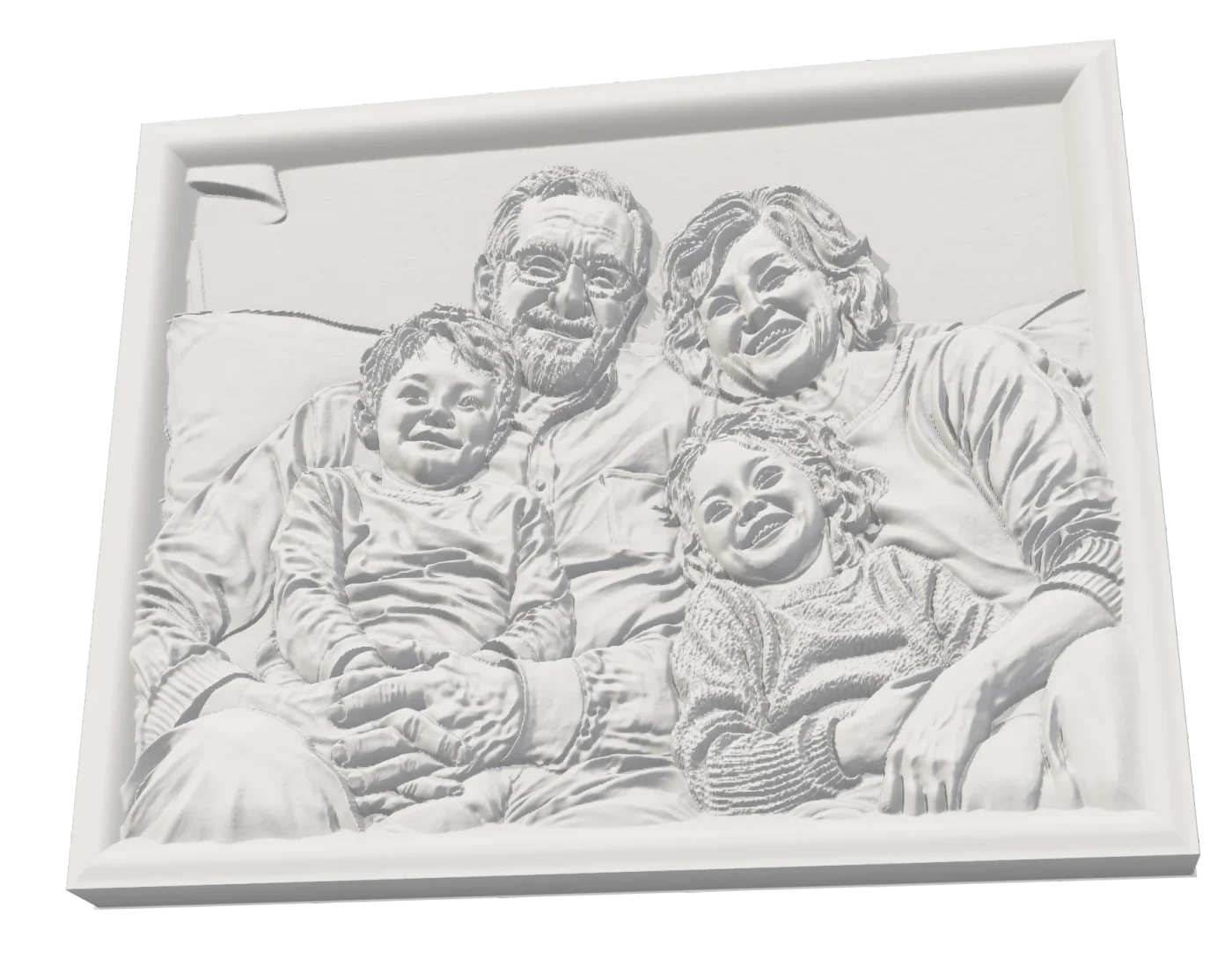
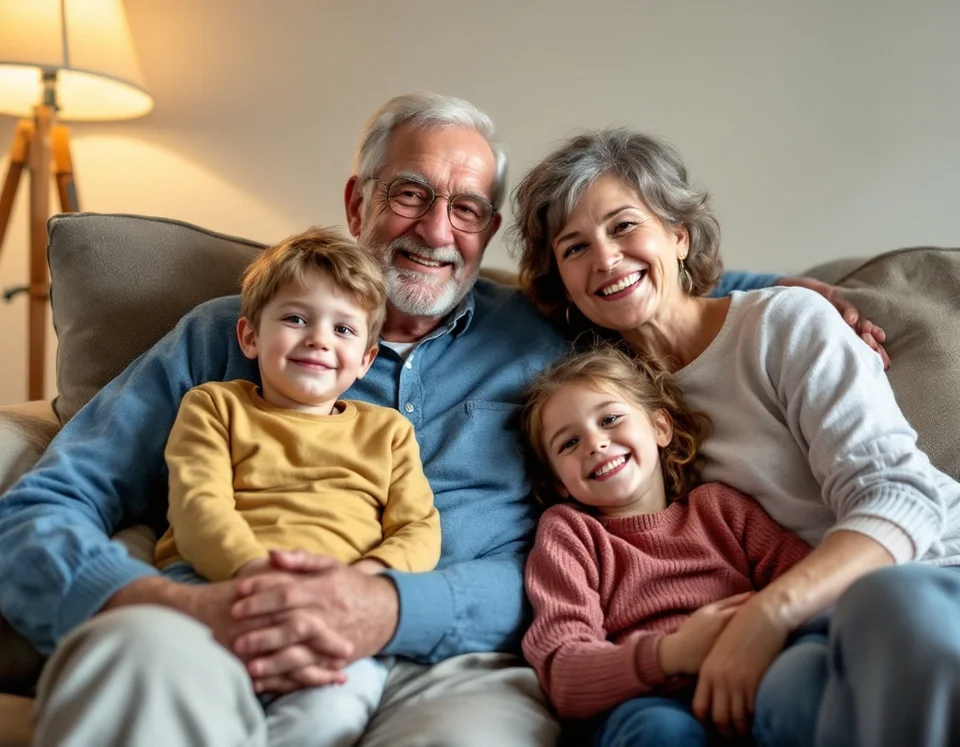
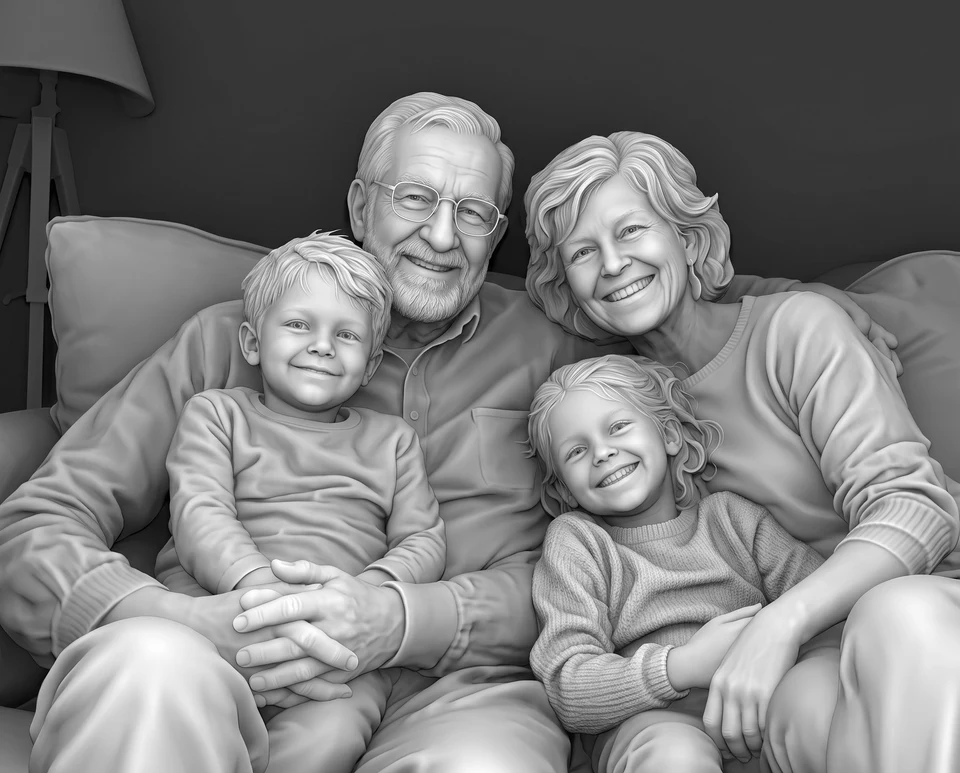
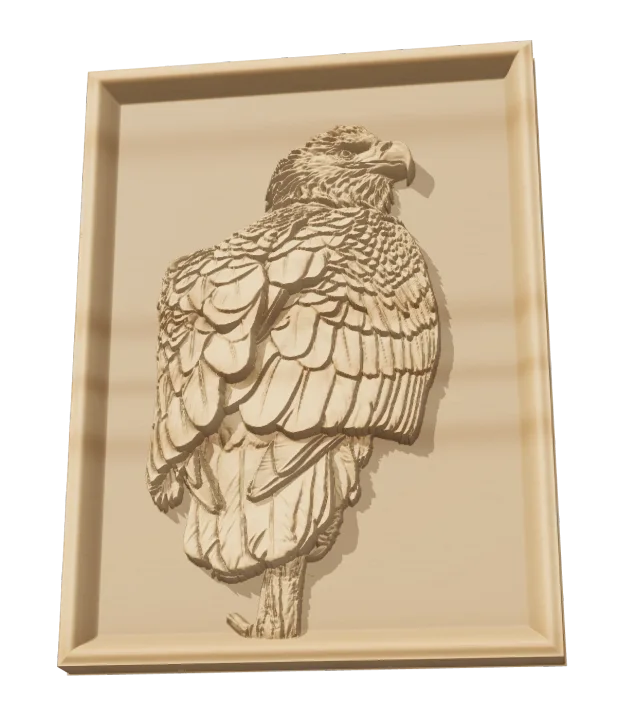
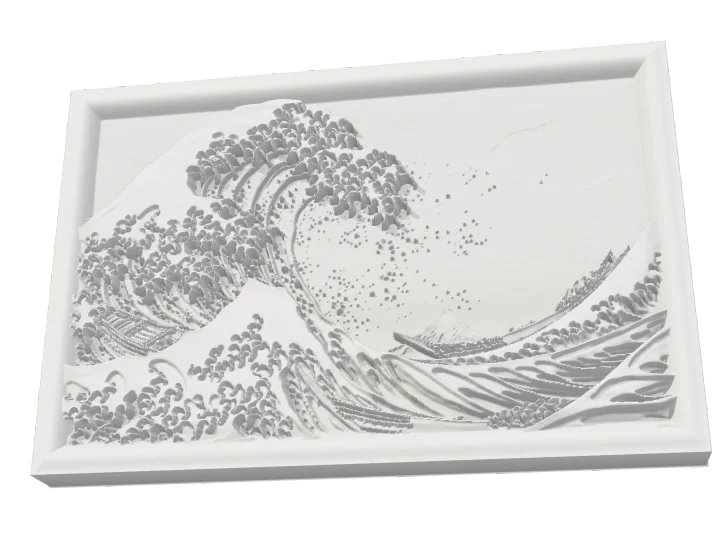
Printed plaque · 7 × 5 in · 3D printerRendered preview
What will you make?
Pick an object and the studio sets its shape, size, thickness, edge and lettering for you. Your photo stays; switch any time.
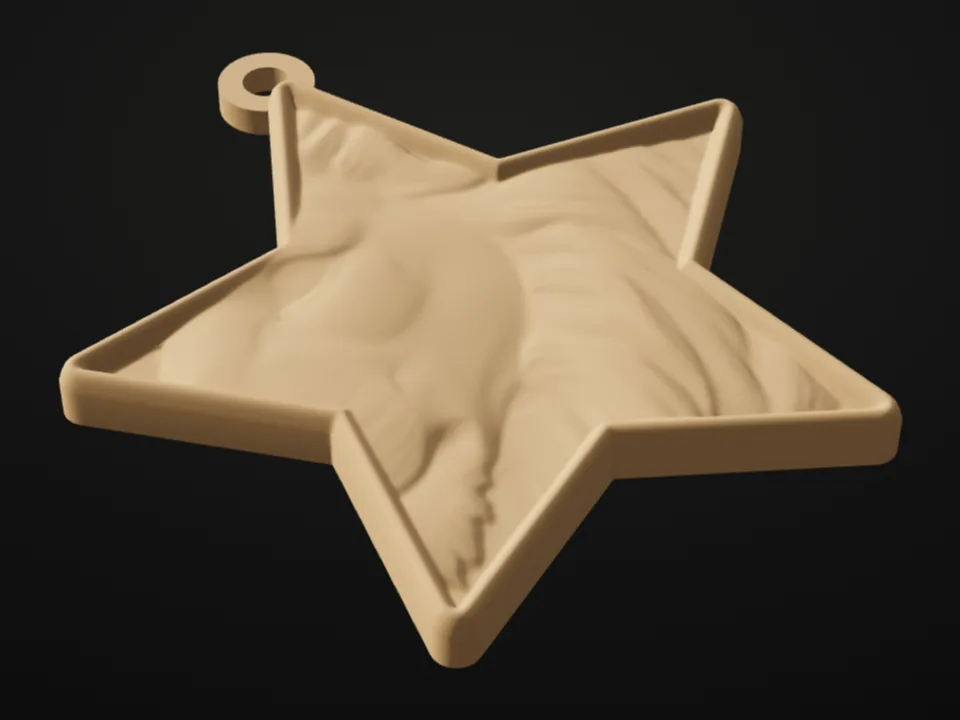 OrnamentA keepsake for the tree: round, a star, a tree, a heart or cut to the shape of your pet, with a name and year on the back.3D printing or laser · PLA, wood, acrylicMake an ornament
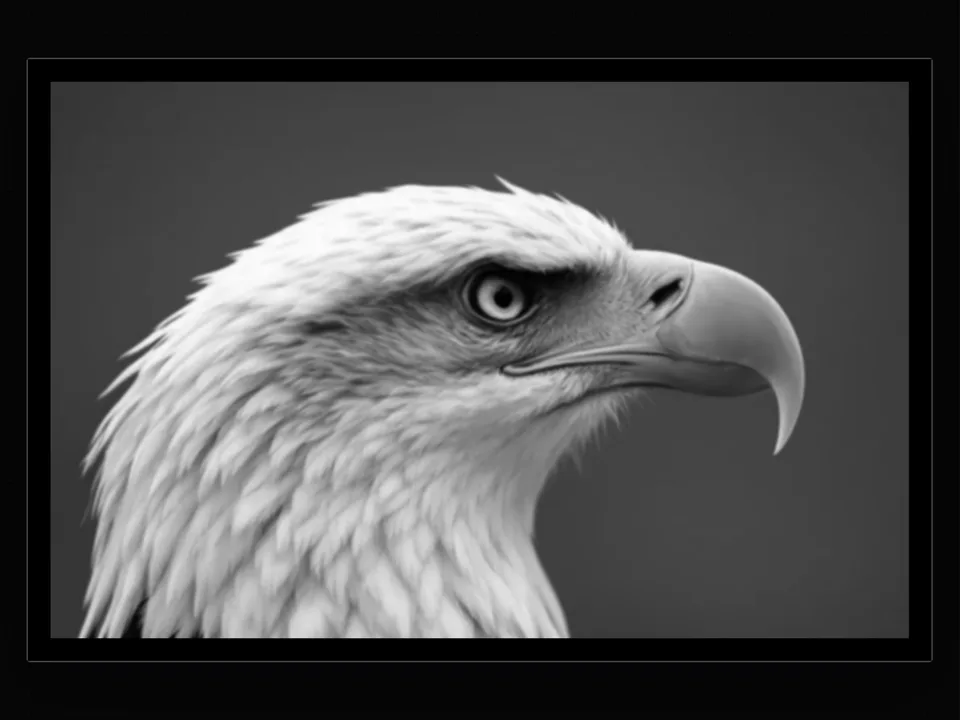 LithophaneA thin panel that shows the photo when lit from behind: flat in a printed light box, curved or a heart.3D printing · white PLA, night lightsMake a lithophane
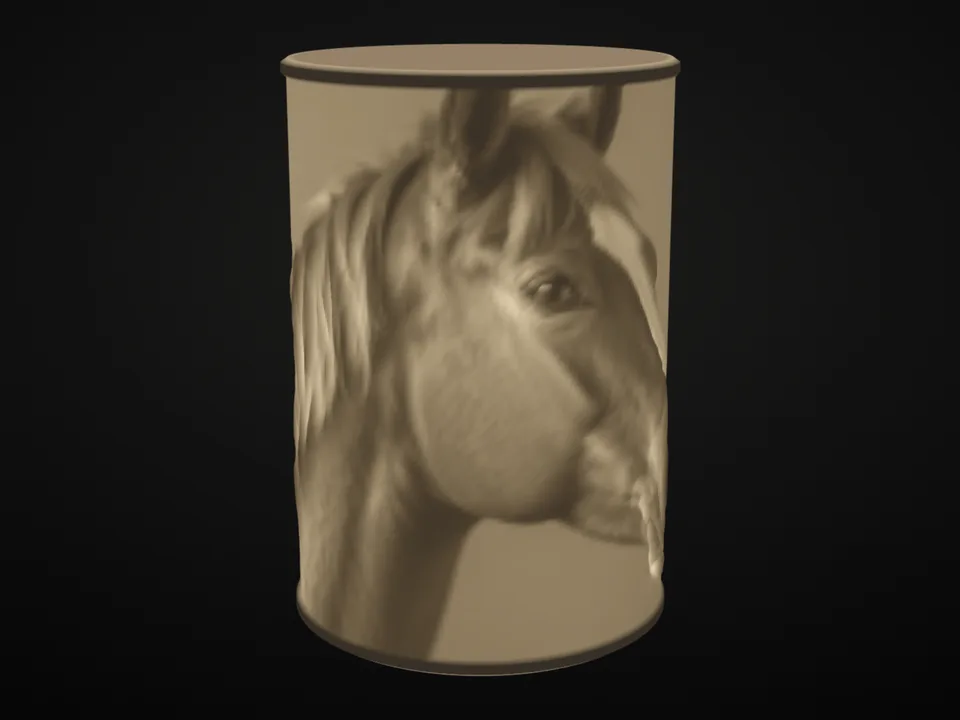 LampA lithophane shade rolled into a closed cylinder: it glows with your photo all the way round a tea light or an LED.3D printing · white PLA, tea light or LED puckMake a lamp
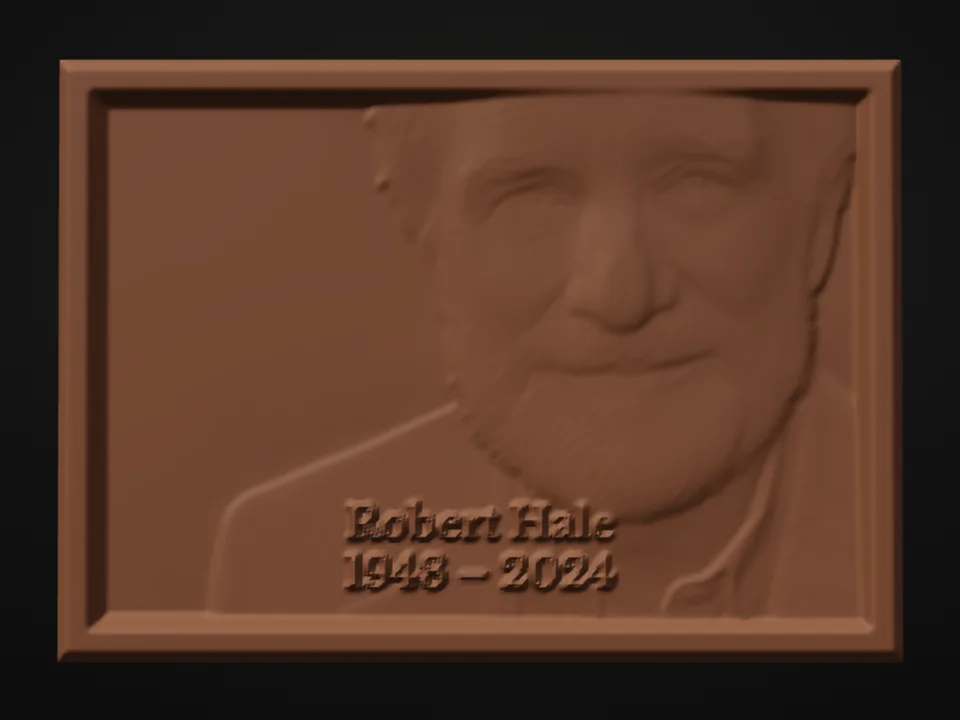 PlaqueA framed photo relief with a name or dates.CNC · wood, stone, resinMake a plaque
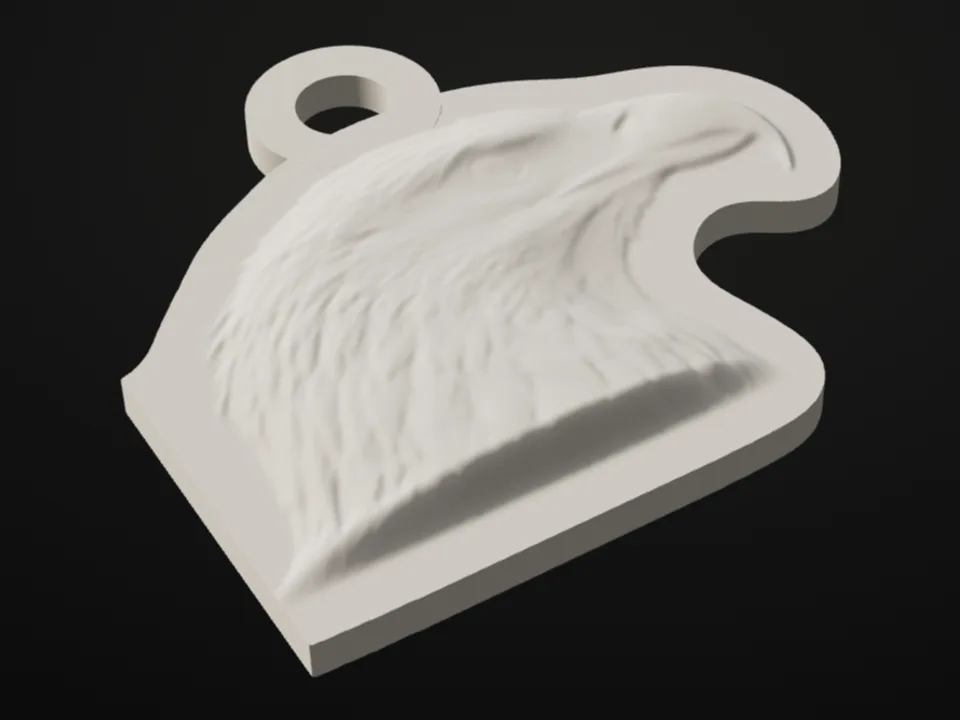 PendantA small keepsake or keychain: round, a heart, or cut to the shape of your pet.3D printing · keychains, necklaces, ornamentsMake a pendant
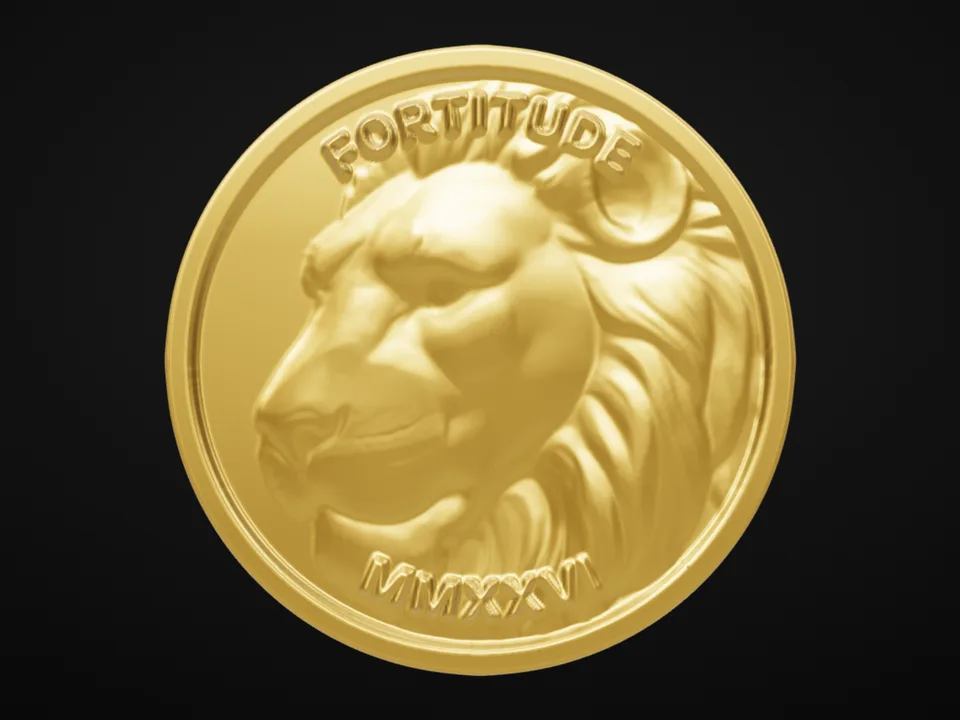 CoinRound, with a raised rim and lettering around the edge.Fiber laser · brass, steel, titaniumMake a coin
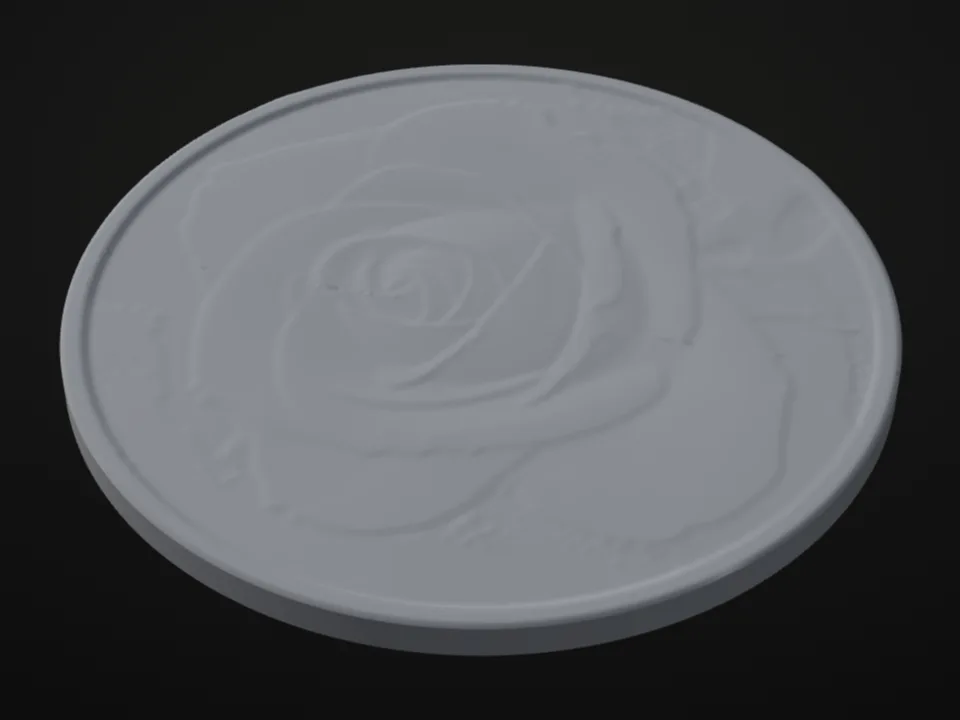 CoasterA drink coaster with a shallow relief and a flat rim, so a glass stands level: round or square, 4 inches.Laser · slate, wood, cork · 3D printingMake a coaster
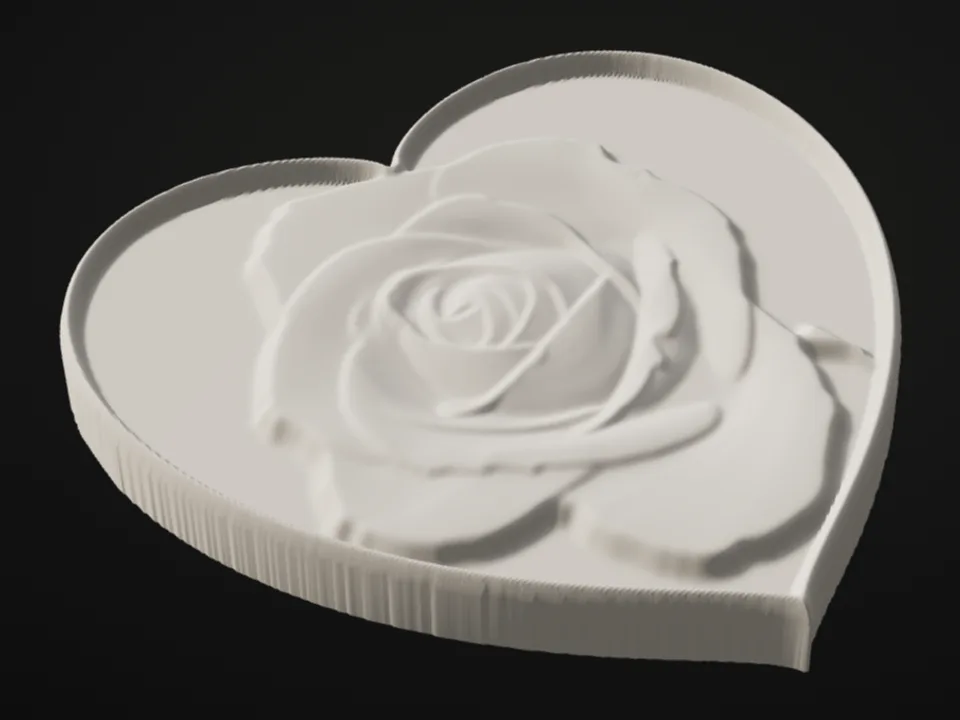 MagnetA fridge magnet with a pocket in the back for a disc magnet: round, a heart, or cut to the shape of your pet.3D printing · PLA, with a neodymium disc magnetMake a magnet
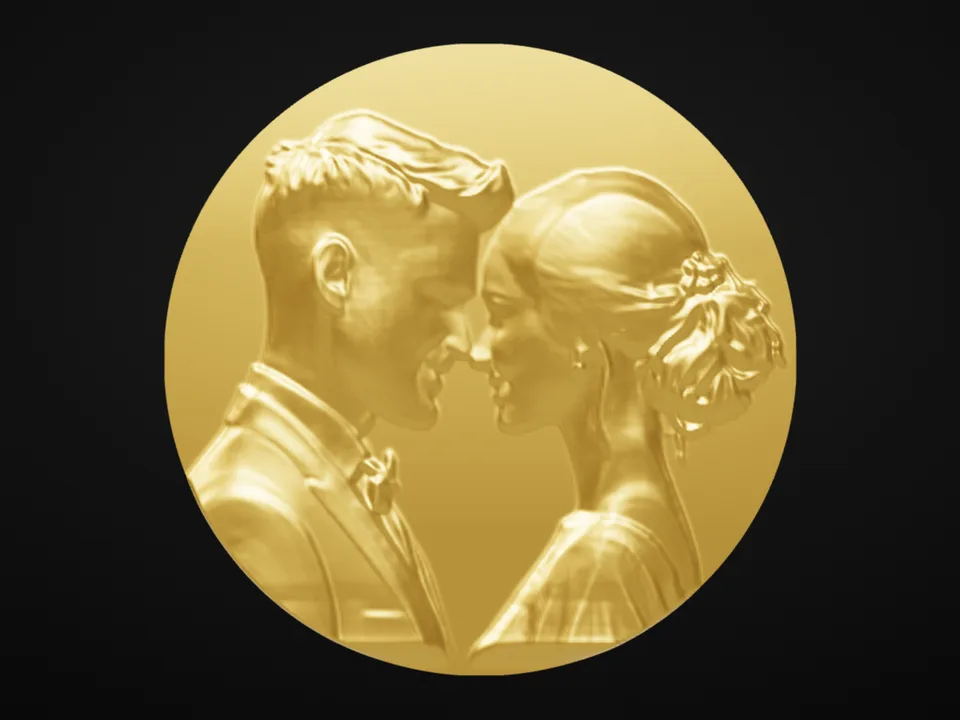 StampA mirrored relief that presses your photo into wax, clay, leather or cookie dough the right way round, with a printed handle.3D printing or CNC · wax seals, clay, leather, cookiesMake a stamp
From the photos you already have
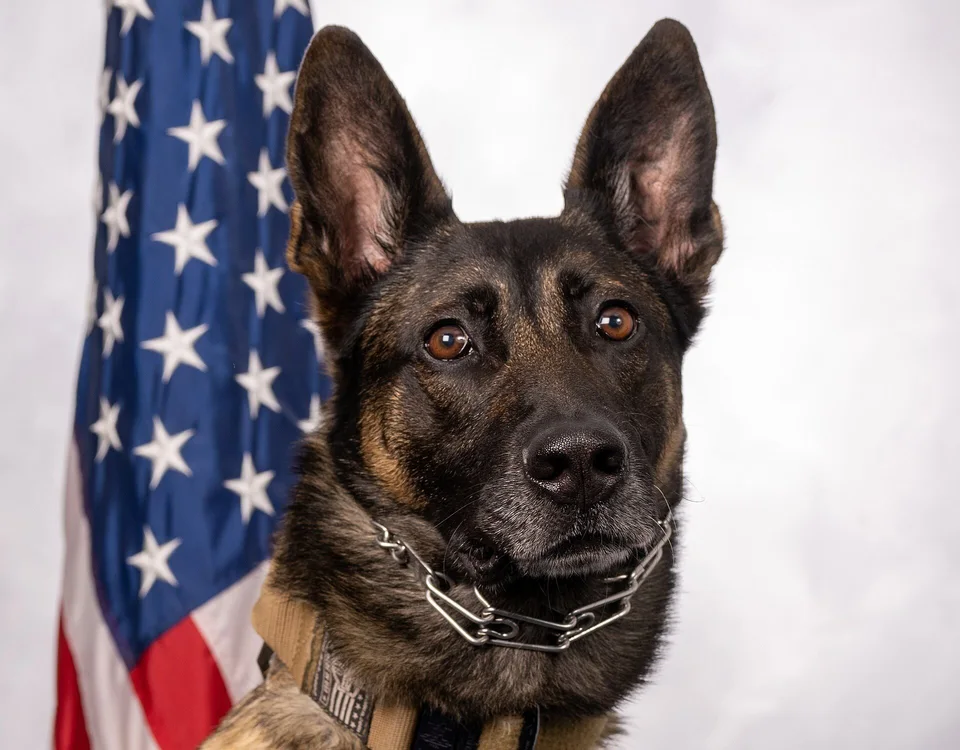
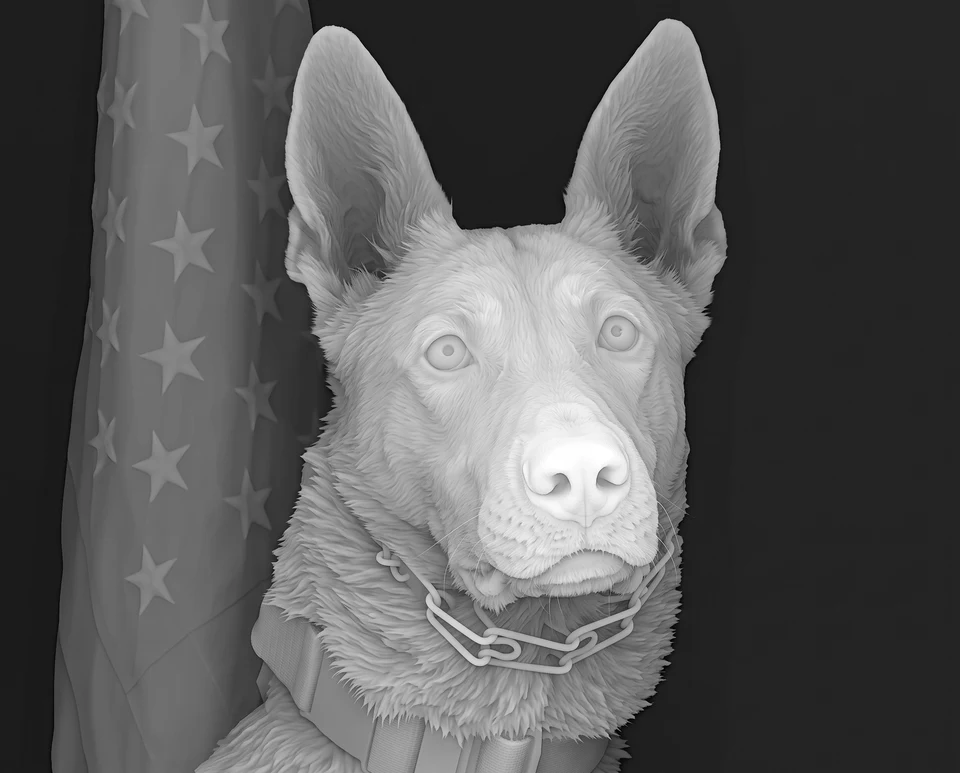
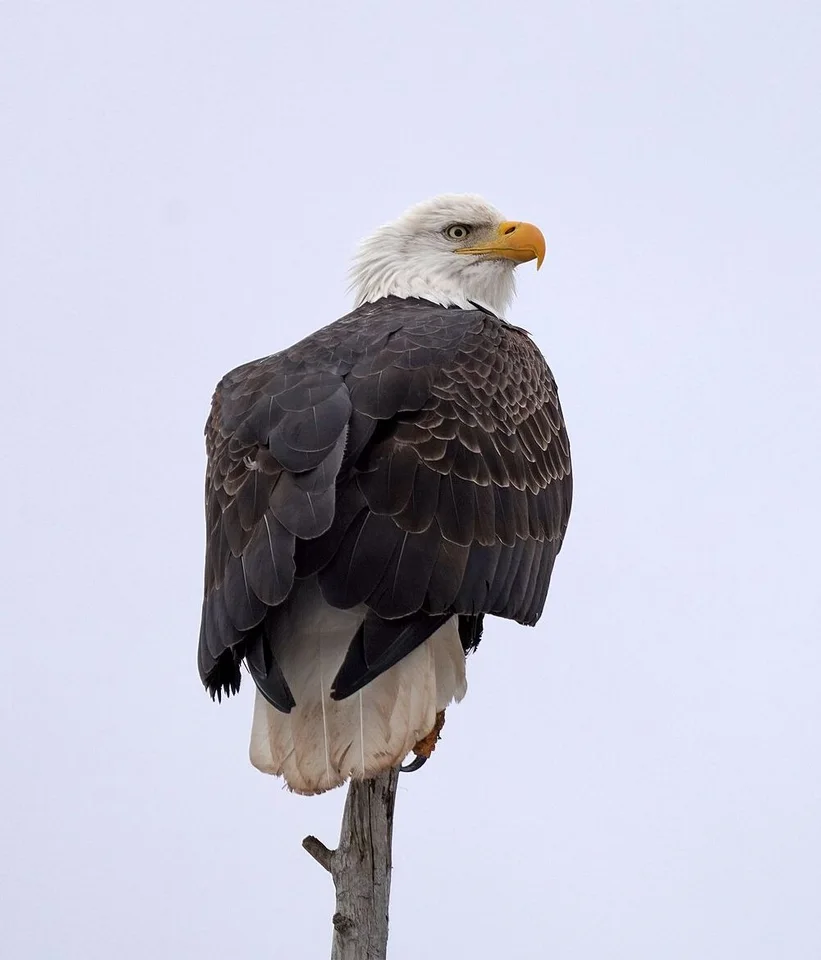
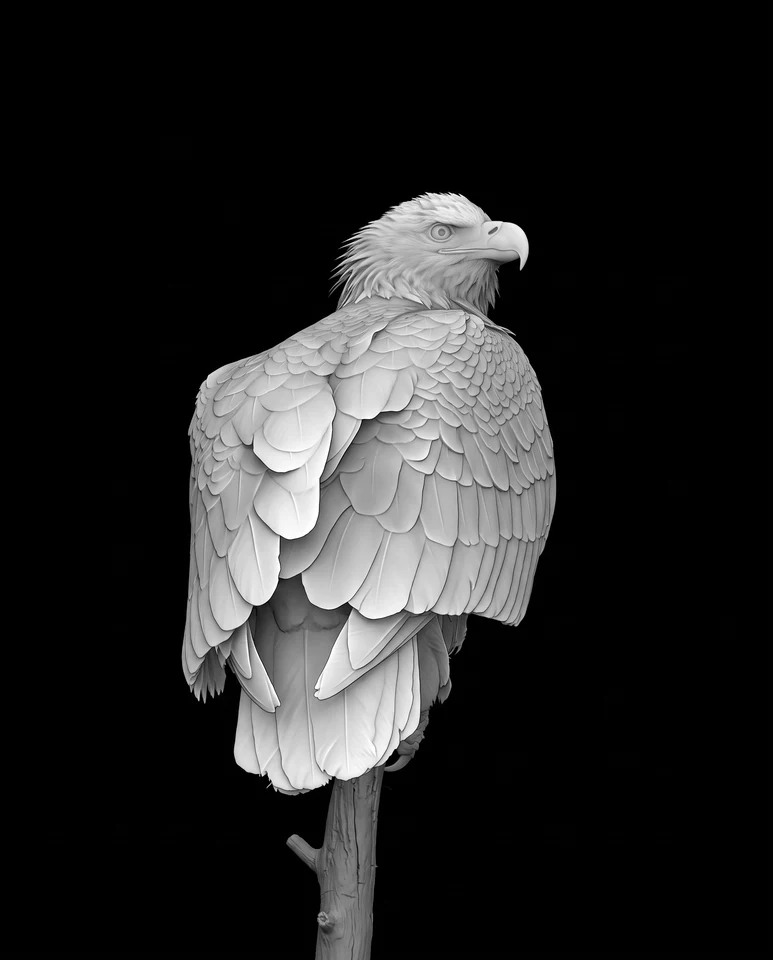
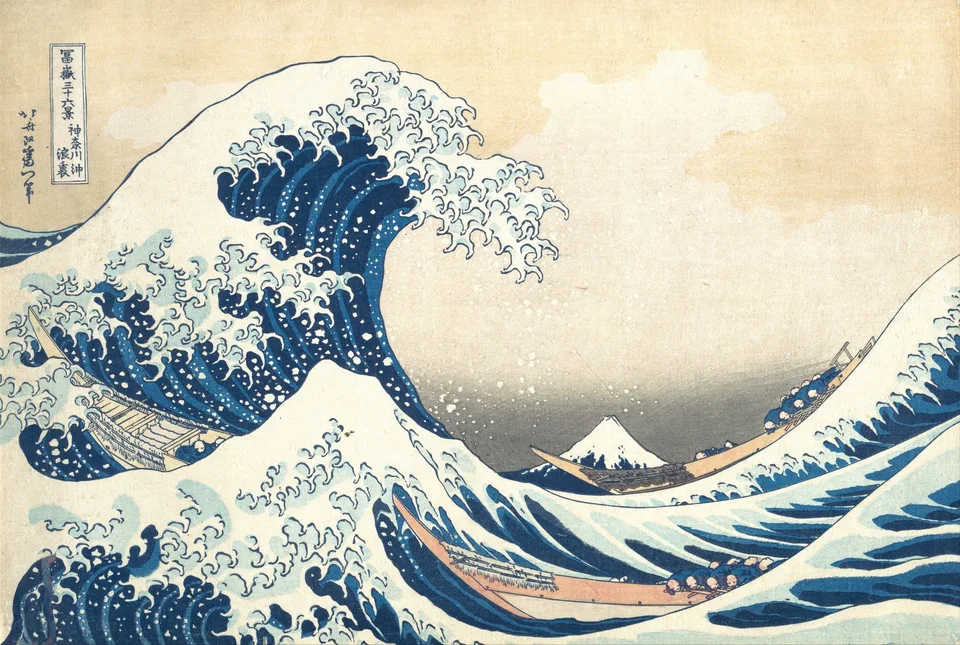
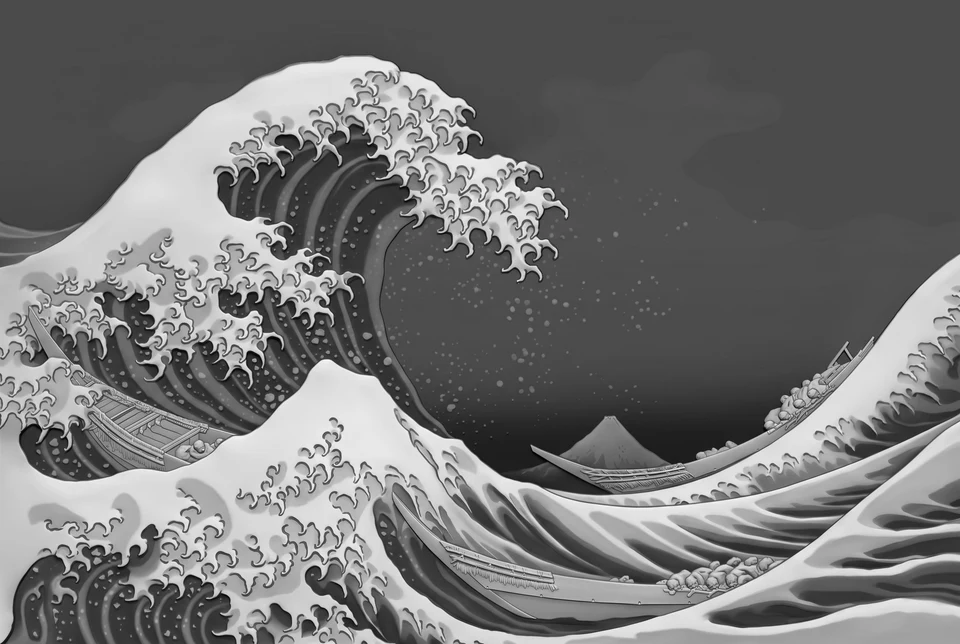
Grandkids, pets, weddings and graduations. Each one shows the photo, the depth map you download, and a rendered preview of the piece.
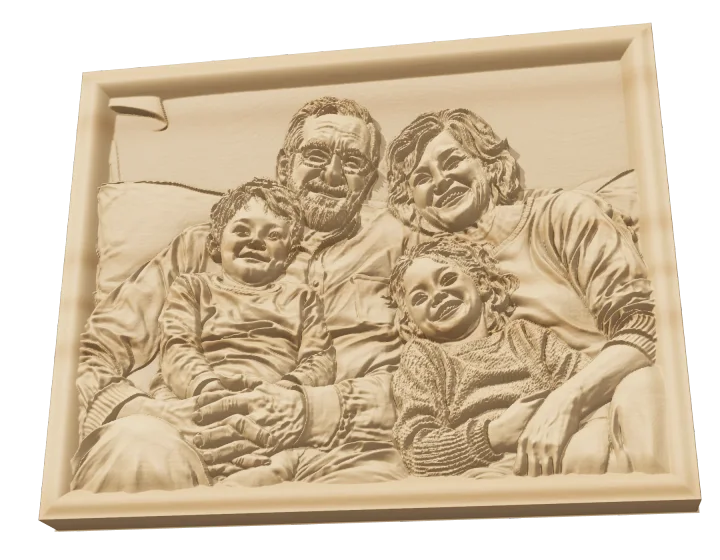
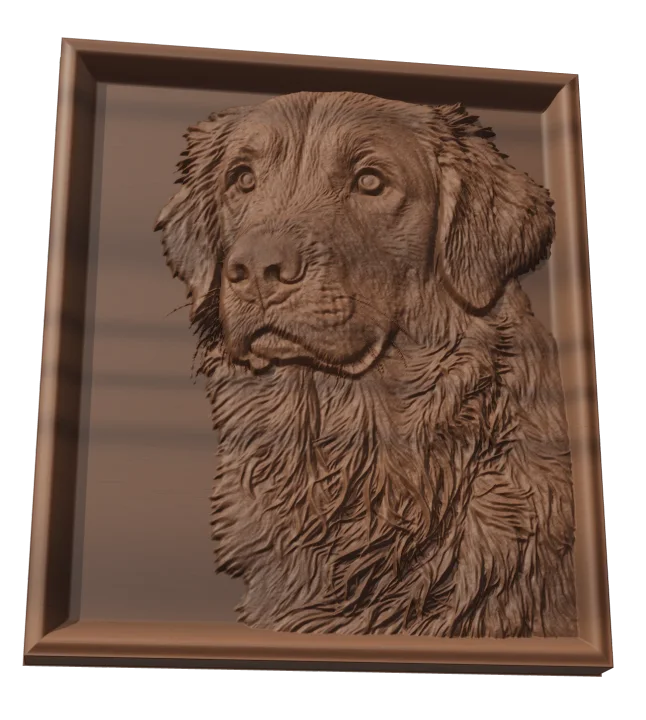
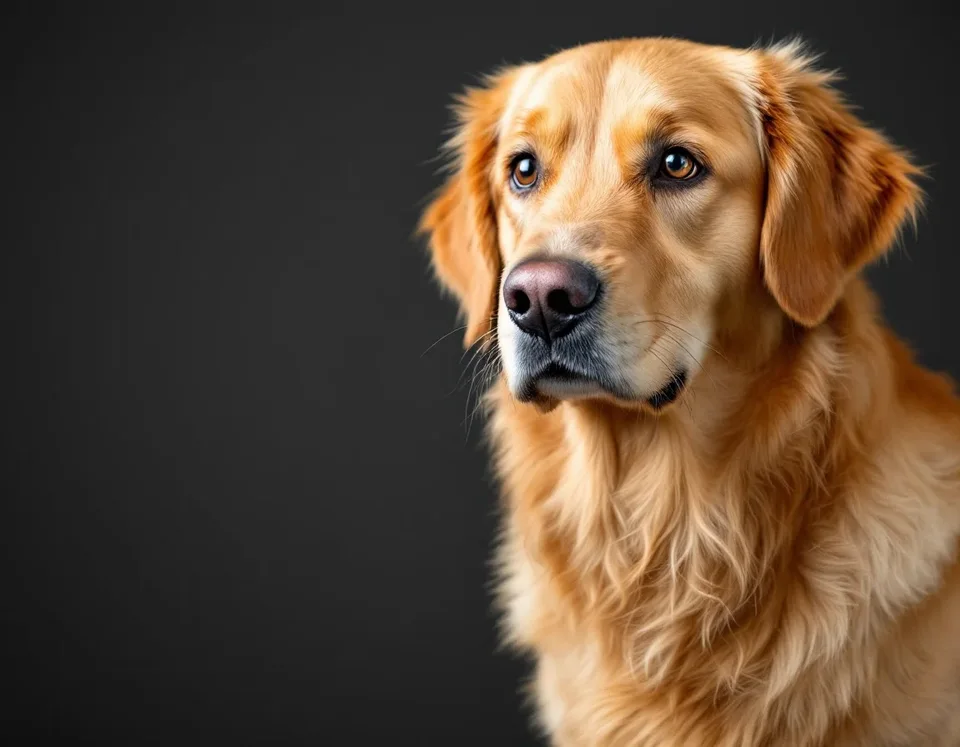
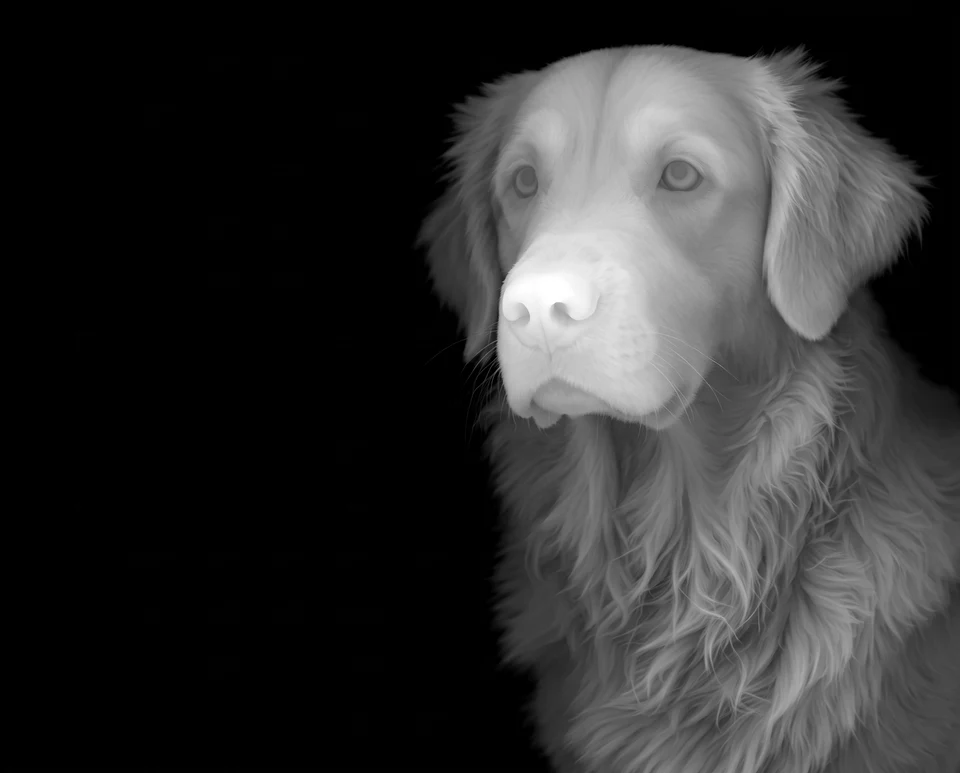
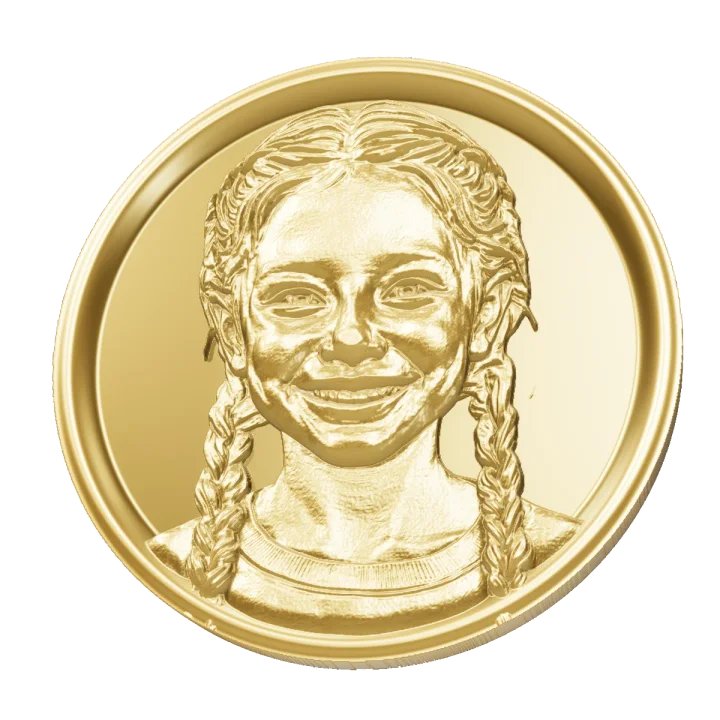
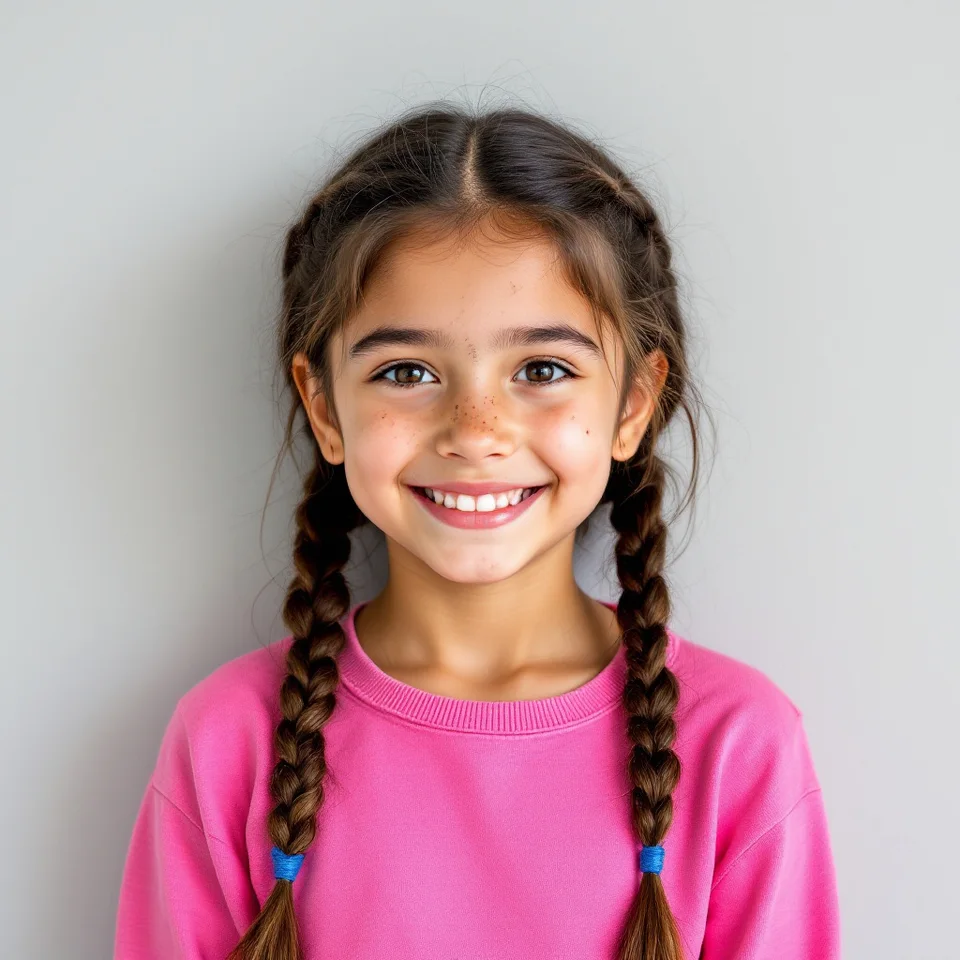
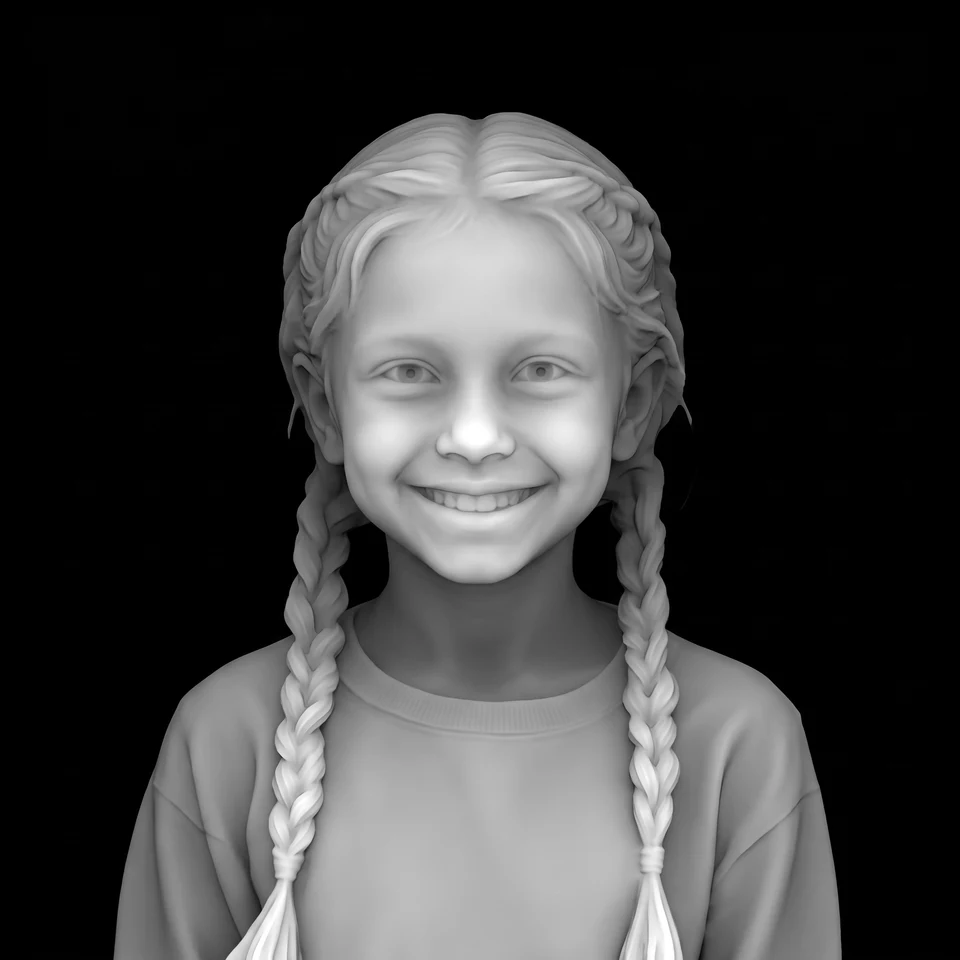
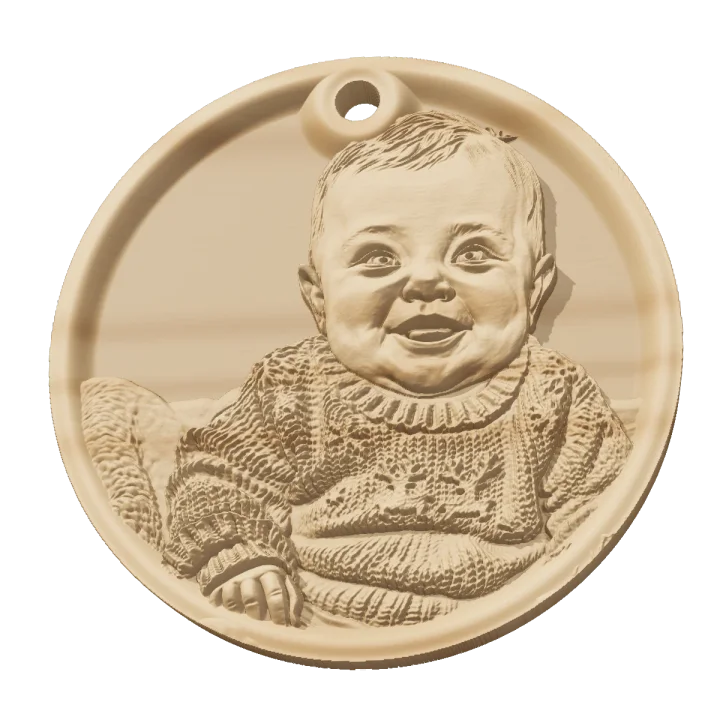
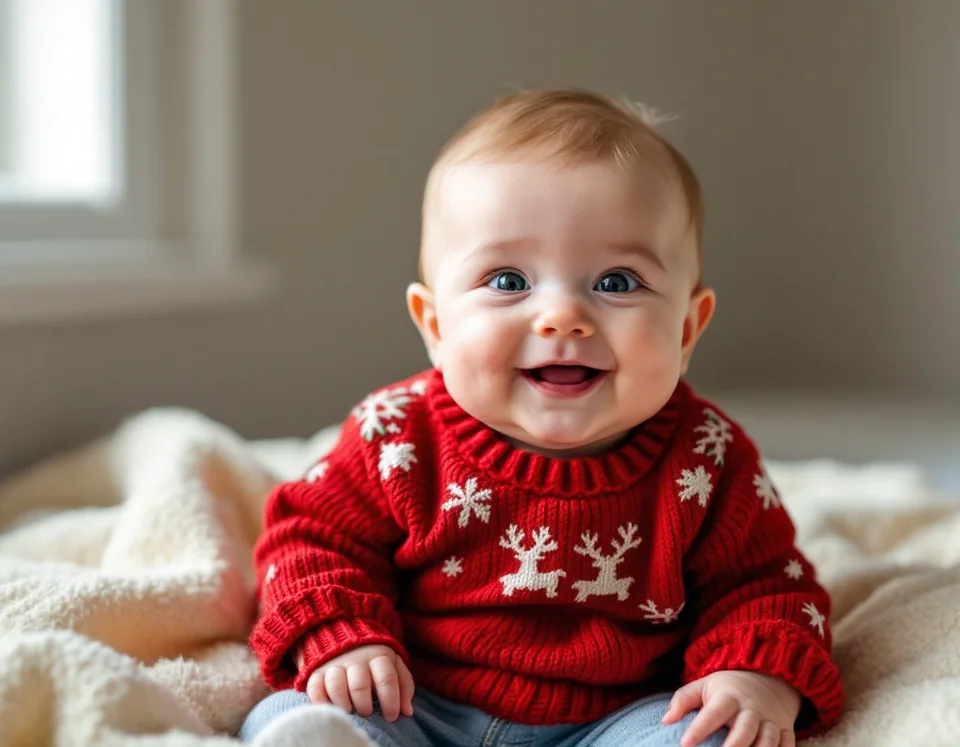
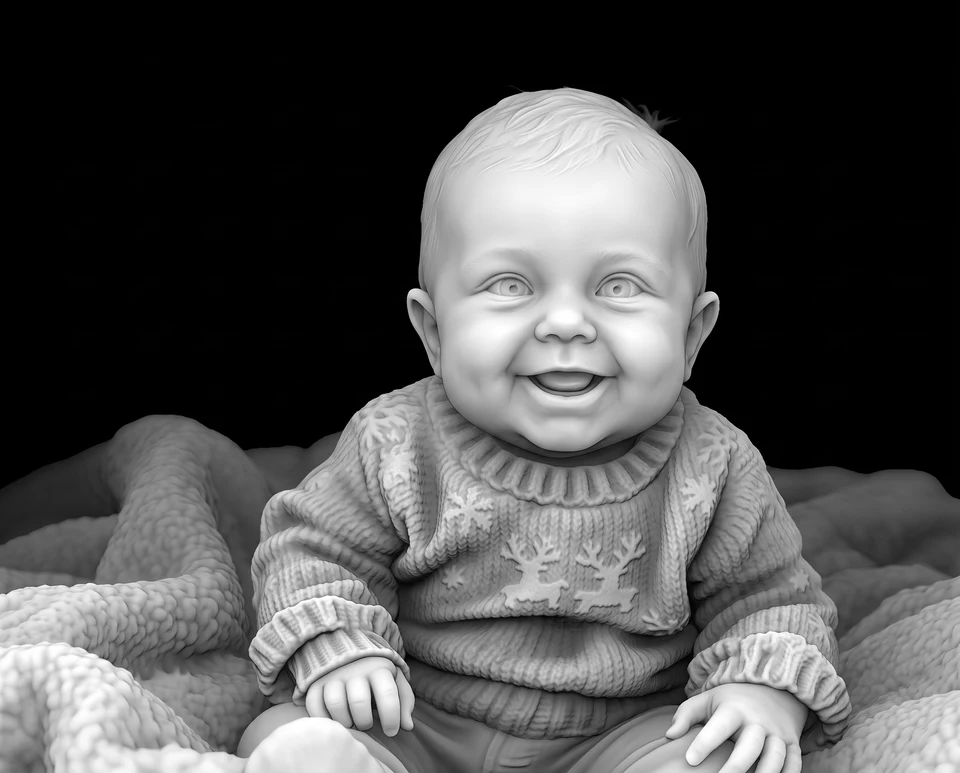
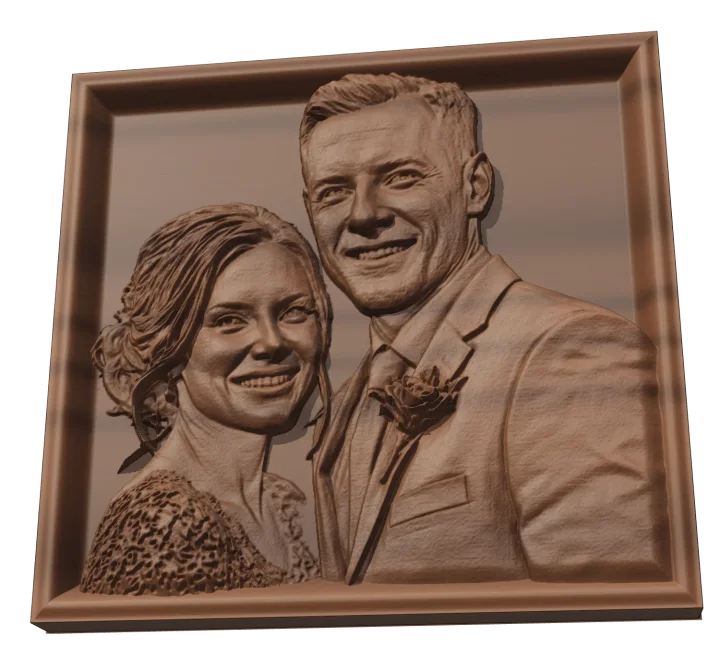
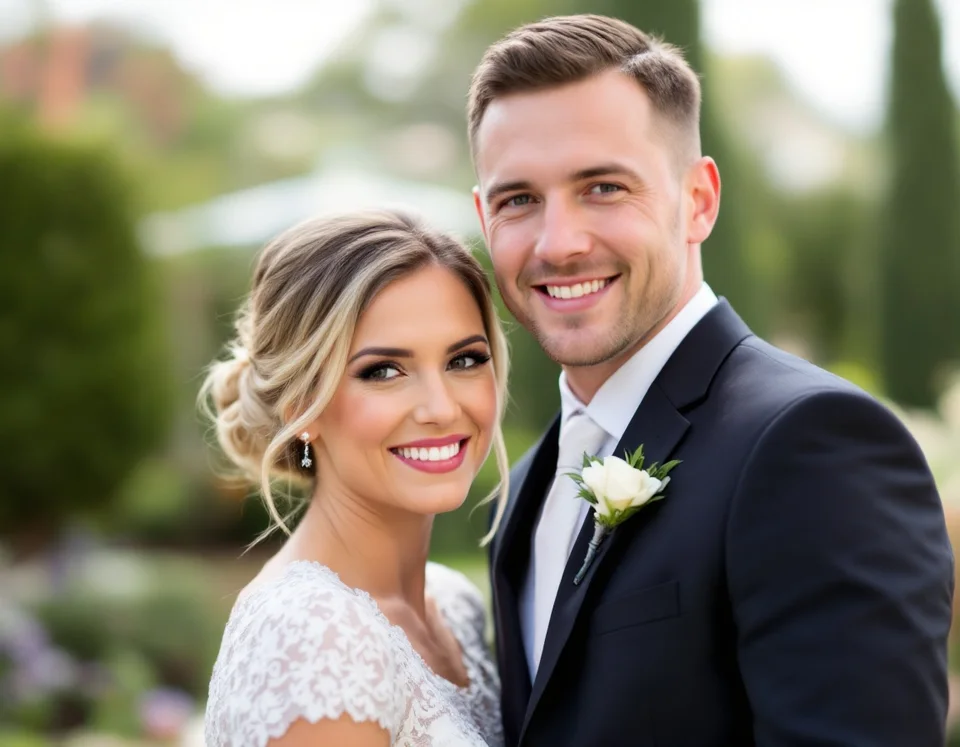
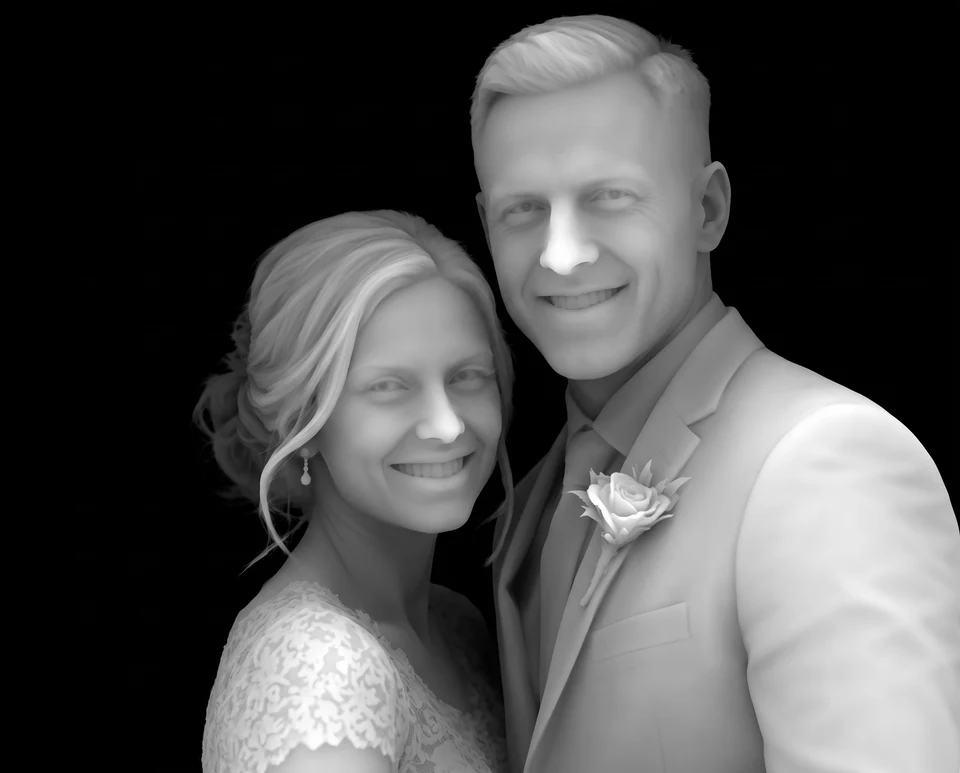
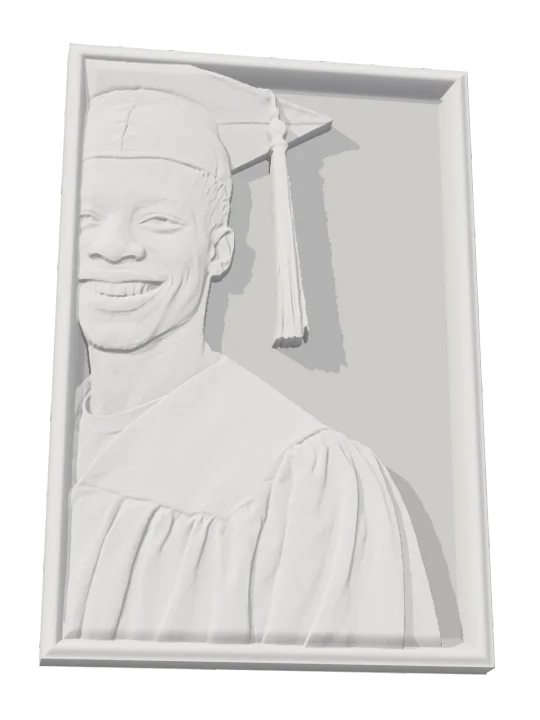

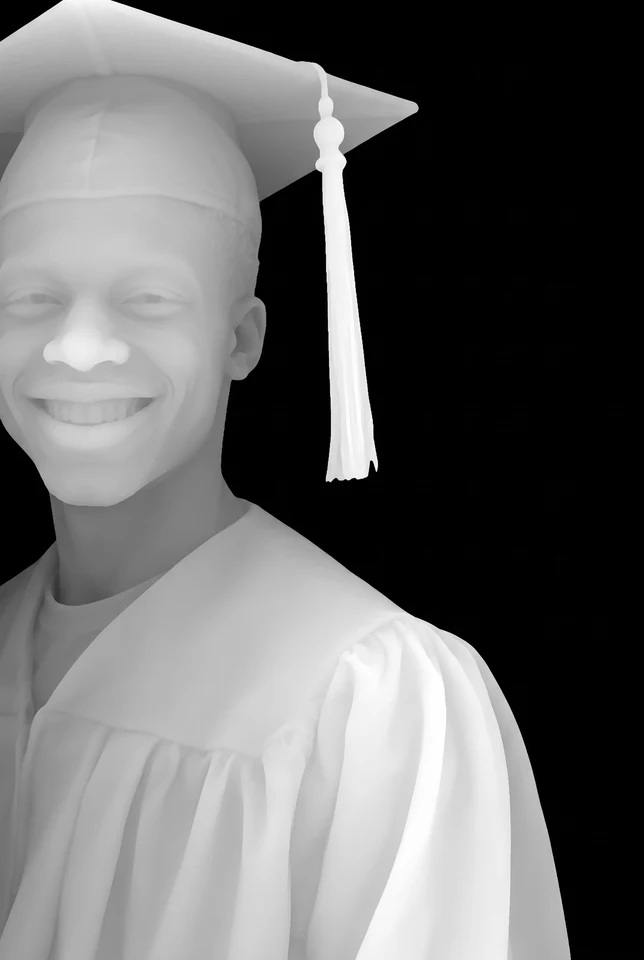
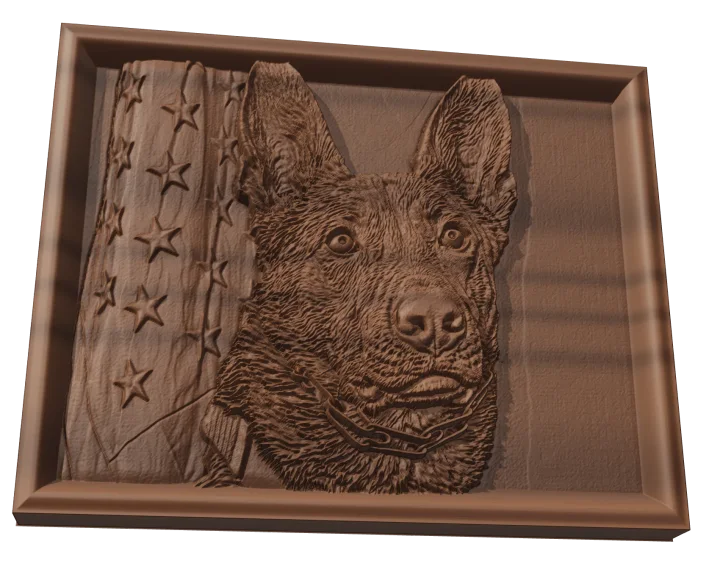
From a photo to a printable STL
Open a photo
Upload a photo and choose Carve with AI to make a printable relief. A clearly lit subject and a simple background make the silhouette easier to print.
Shape the relief
Set the print width, relief depth and flat base. Use the 3D preview to check that fine details and lettering are large enough for your printer.
Export the STL
Download a closed STL, 3MF or OBJ and open it in your slicer. Import STL as millimeters and place the flat base on the build plate. A 3MF file carries its units.
Photo to STL Converter FAQ
How does a photo become an STL?
A depth model estimates how far every pixel is from the camera. That depth map becomes a height field: near things stand high, far things low. The studio builds a closed mesh from it, with walls and a flat base, at the size you set.
Will the STL print?
Yes. Every mesh is closed and watertight, with a flat base and consistent normals, so slicers such as Bambu Studio, PrusaSlicer and Cura take it as it is. Import an STL as millimeters; a 3MF carries its units.
How detailed is the mesh?
Draft, Standard or Fine, up to 640 samples along the long side. Fine detail is limited by the depth model and by the printer: a 0.4 mm nozzle draws nothing thinner than about half a millimeter.
Which photos work best?
One clear subject, sharp, with light from the side and a plain background: a pet, a face, a statue, a flower. Busy scenes and very flat lighting give flat, noisy reliefs.
Can I fix the depth before exporting?
Yes. The Depth tool sets levels, layer balance, bas-relief and smoothing; the Retouch brush raises, lowers or flattens parts by hand; and Carve with AI redraws the relief with bolder forms.
Is it free?
A new account starts with free credits for AI carving and downloads. HD depth maps are free to preview. If you need more credits, see the pricing page for packs and subscriptions.
More tools
Try a sample first, then open your own file. Converters and editors process your files on your device.
Depth map generator
Generate a grayscale depth map from a photo and preview it beside the original.
Depth map to STL
Turn a depth map you already have into a sized, closed mesh.
STL to depth map
Flatten a mesh into a 16-bit height map from the top, front or side.
Depth map editor
Levels, layer balance and a retouch brush for any grayscale image.
Photo to SVG
Trace a photo or logo into clean outlines for cutting and scoring.
Laser photo prep
Size, sharpen and dither a photo for flat engraving.