STL, 3MF or OBJ
Depth Map to STL Converter
Open a grayscale height map, set the size in millimeters, check it in 3D and export a closed STL, 3MF or OBJ. It all happens on your device.
How to convert a depth map to a watertight STL
Open your depth map
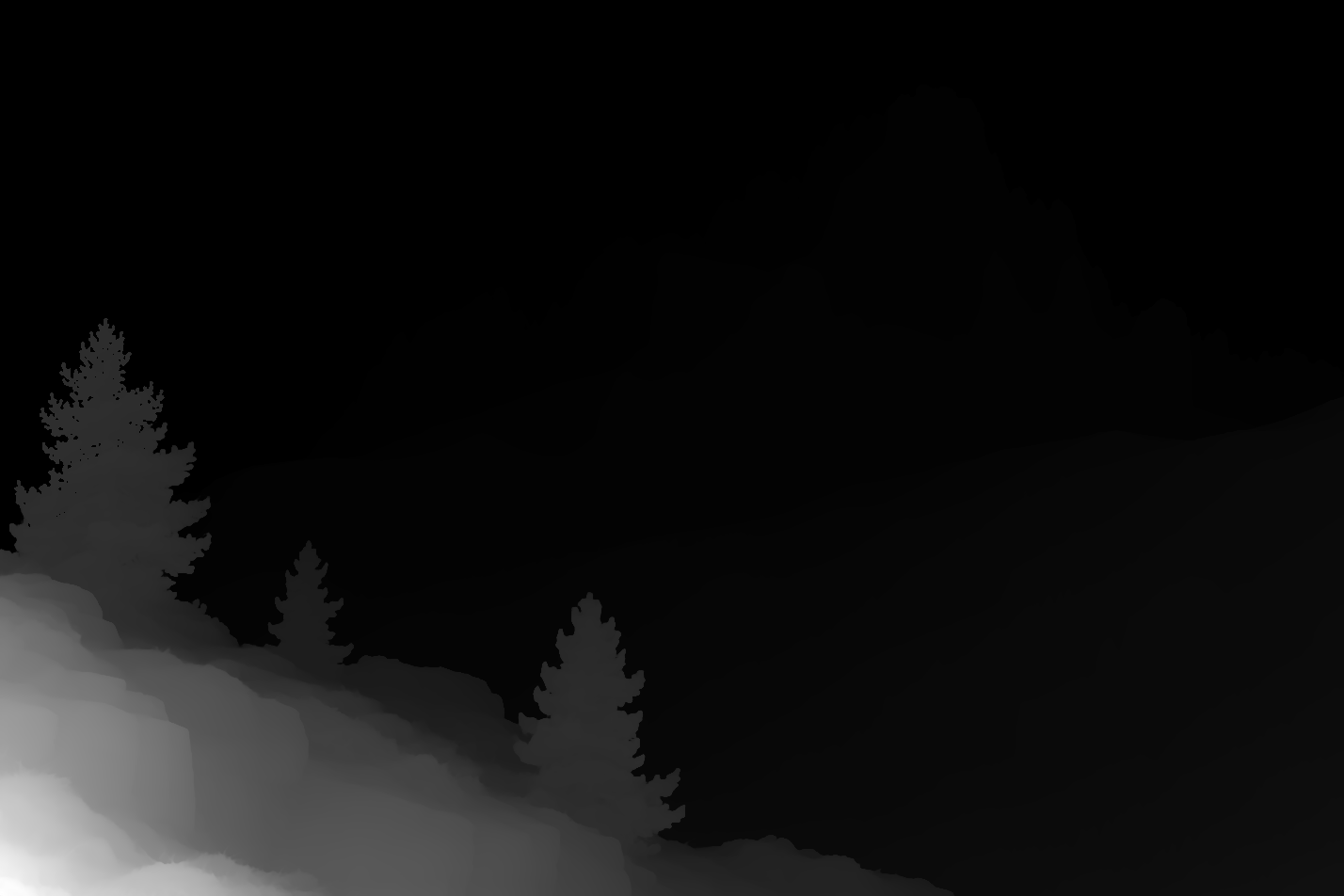
Any grayscale PNG, JPG or WebP works. Lighter pixels become higher. A 16-bit PNG keeps all of its height steps; the status bar tells you which kind was read.
Set the real size
Enter the width, the relief depth and the base in millimeters or inches. The height follows the image, and the finished size is always shown in the status bar.
Check it and export
Turn the model in 3D, then export STL, 3MF or OBJ. The mesh is closed and watertight, with a flat base.
Depth Map to STL Converter FAQ
Which format should I pick for 3D printing?
3MF, when your slicer supports it, because the millimeters are stored in the file. STL has no unit field, so choose millimeters when you import it.
My relief came out inverted. What happened?
The depth map uses the opposite convention. Open the Depth tool and switch Raised areas from Light to Dark, or press X.
Why does my 8-bit image look stepped?
An 8-bit image has at most 256 height levels, which shows as terraces on gentle slopes. Smoothing in the Depth tool softens them; a 16-bit source avoids them.
Is my file uploaded?
No. The image is read and the mesh is built in this browser tab.
More tools
Try a sample first, then open your own file. Converters and editors process your files on your device.
Depth map generator
Generate a grayscale depth map from a photo and preview it beside the original.
STL to depth map
Flatten a mesh into a 16-bit height map from the top, front or side.
Depth map editor
Levels, layer balance and a retouch brush for any grayscale image.
Photo to SVG
Trace a photo or logo into clean outlines for cutting and scoring.
Laser photo prep
Size, sharpen and dither a photo for flat engraving.