16-bit PNG export
Depth Map Editor
Rebalance the layers, lift a flattened nose with the brush, crop, add a frame or text, and export a 16-bit PNG. It all happens on your device.
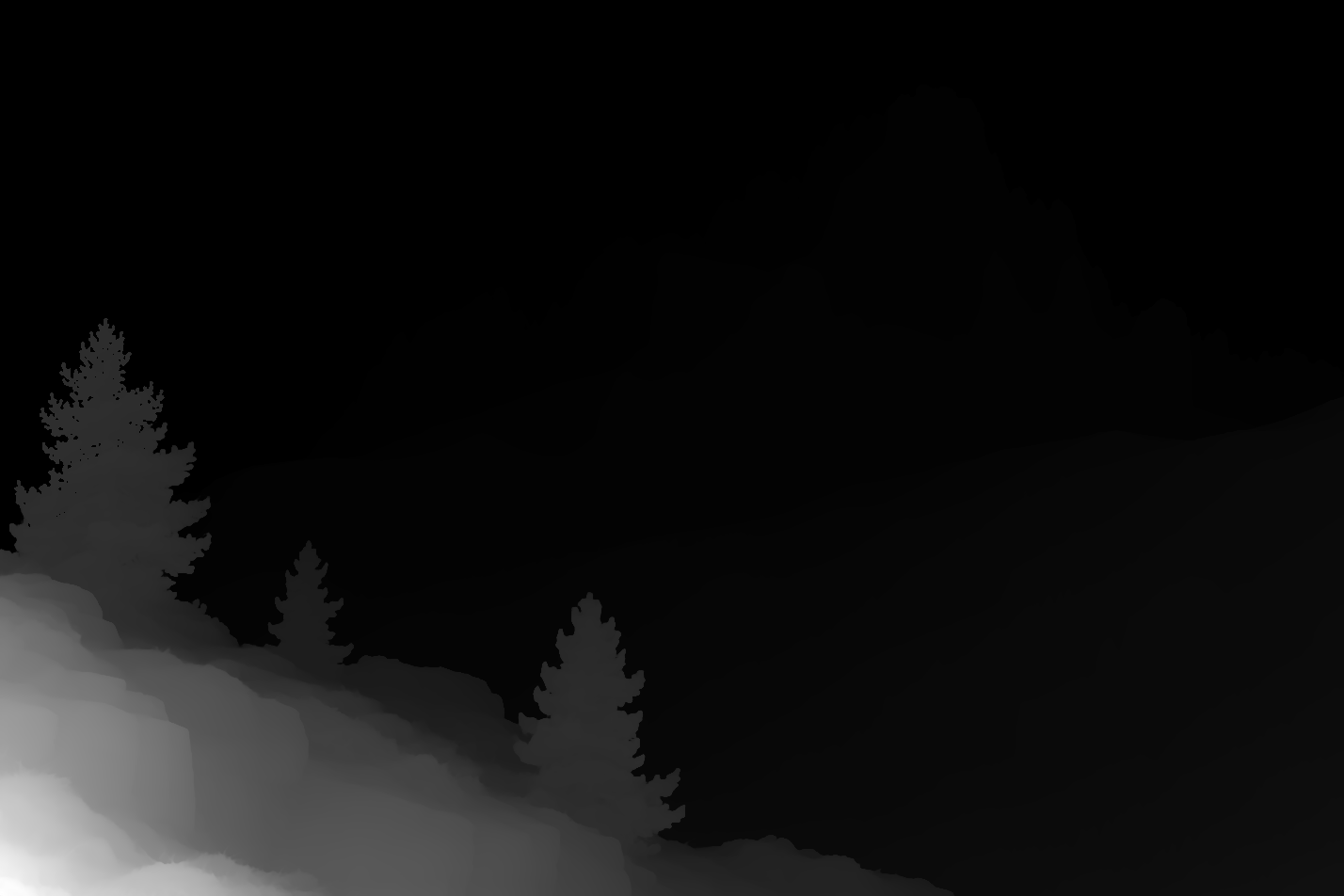
Edit a depth map without losing precision
Open your depth map
It is shown exactly as it is. Nothing changes until you move a control, and every change can be undone.
Fix what is wrong
Layer balance gives distant layers more height. The retouch brush raises, lowers, smooths or flattens one area. Crop, frame and text work on the same height field.
Export 16-bit
The export window counts the distinct height levels in the file, so you can see what your machine will receive.
Depth Map Editor FAQ
Does editing reduce a 16-bit file to 8 bits?
No. A 16-bit grayscale PNG is decoded at full precision, edited as floating-point heights, and written back as 16-bit.
What does Layer balance do?
Depth models often squeeze distant layers into a thin slice of the range. Layer balance redistributes the heights so each layer gets room in proportion to its area.
Can I fix one spot, such as a flattened nose?
Yes. Open Retouch, pick Raise, and paint on the depth view. Each stroke is one undo step.
Is my file uploaded?
No. Everything runs in this browser tab.
More tools
Try a sample first, then open your own file. Converters and editors process your files on your device.
Depth map generator
Generate a grayscale depth map from a photo and preview it beside the original.
Depth map to STL
Turn a depth map you already have into a sized, closed mesh.
STL to depth map
Flatten a mesh into a 16-bit height map from the top, front or side.
Photo to SVG
Trace a photo or logo into clean outlines for cutting and scoring.
Laser photo prep
Size, sharpen and dither a photo for flat engraving.