Sized outlines for cutting
Photo to SVG Converter
Set where shape ends and background begins, clear the specks, and export one clean SVG sized in millimeters. It all happens on your device.
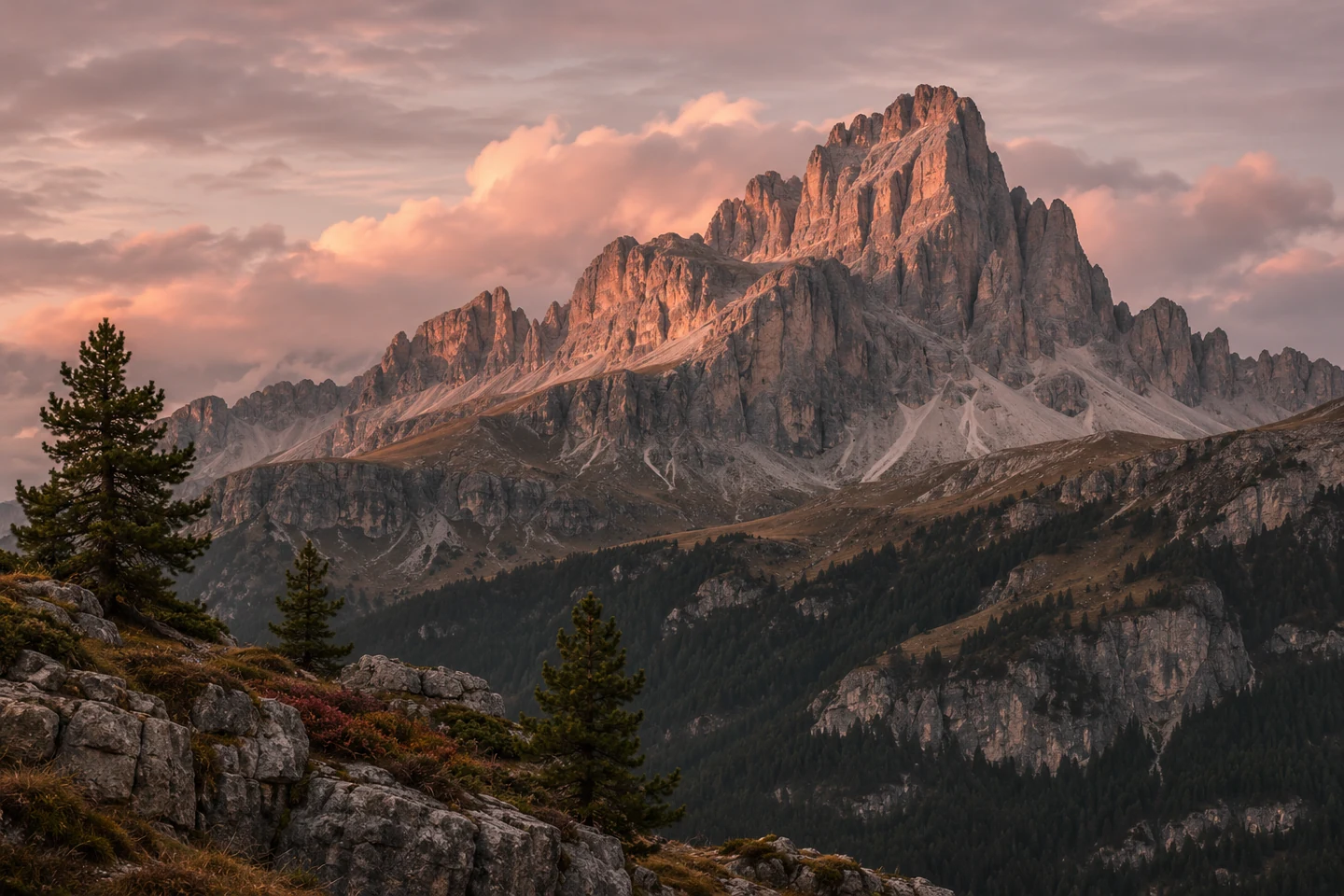 Alpine ridgeSample
How to trace a photo or logo into an SVG
Open an image
High-contrast artwork, logos and silhouettes trace best. Photos work when the subject stands out from the background.
Find the edge
Threshold sets where shape ends and background begins. Smoothing merges noise, Remove specks drops tiny shapes, and Simplify trades accuracy for fewer points.
Export the SVG
Set the width in millimeters and download. The file holds one filled path that uses the even-odd rule, so holes stay holes.
Photo to SVG Converter FAQ
Does it trace colors?
No. The image is split into two tones, and the dark or the light side becomes the shape.
Does it make single-line (centerline) paths?
No. Each shape is an outline around a filled area. For engraving a thin line, set the shape to fill in your laser software.
Why keep the point count low?
Fewer points make smoother motion and smaller files. Raise Simplify until the outline starts to drift, then step back.
Is my image uploaded?
No. The tracing runs in this browser tab.
More tools
Try a sample first, then open your own file. Converters and editors process your files on your device.
Depth map generator
Generate a grayscale depth map from a photo and preview it beside the original.
Depth map to STL
Turn a depth map you already have into a sized, closed mesh.
STL to depth map
Flatten a mesh into a 16-bit height map from the top, front or side.
Depth map editor
Levels, layer balance and a retouch brush for any grayscale image.
Laser photo prep
Size, sharpen and dither a photo for flat engraving.